10 Best CRM for Small Business in 2026: Use Case Guide
Table of contents
- 1. HubSpot CRM
- Where the broader platform helps
- 2. Zoho CRM
- 3. Pipedrive
- Build the pipeline around buyer progress
- 4. Freshsales
- Test communication costs, not just contact records
- 5. monday CRM
- 6. Bigin by Zoho CRM
- Keep the initial workflow narrow
- 7. Less Annoying CRM
- Know what simplicity leaves out
- 8. Capsule CRM
- 9. Close
- Price the sales motion
- 10. Attio
- Flexibility needs an owner
- CRM Options at a Glance
- Choosing Your CRM Without Committing Too Early
- Judge the work, not the dashboard
- Keep automation and billing under control
You've got open leads in a spreadsheet, follow-up emails sitting in drafts, and a client asking about a proposal you thought you'd already answered. Your notes are somewhere between your inbox, calendar, and messaging apps. Hiring someone won't fix that arrangement. It'll give another person the same scattered information.
Your client notes belong in a CRM before your team grows, but you don't necessarily need a large sales platform. A solo consultant needs reliable reminders and relationship history. A distributed agency needs clear ownership and handoffs. An outbound team needs calls, emails, and next actions attached to the same lead.
The distinction matters more than a feature leaderboard. In a Researchscape survey of 1,146 U.S. small and medium-sized business owners and managers, 45% still relied on paper records, while 11% had no management system at all. Replacing scattered records with another complicated system won't help if nobody maintains it.
The best CRM for small business is the one that fits how you sell and stays manageable when work gets busy. The KeenVerdict CRM rankings offer another shortlist to compare, but start with your operating setup. Pay particular attention to free-plan restrictions, paid-seat requirements, and charges tied to communication or automation usage, not just the advertised subscription.
1. HubSpot CRM
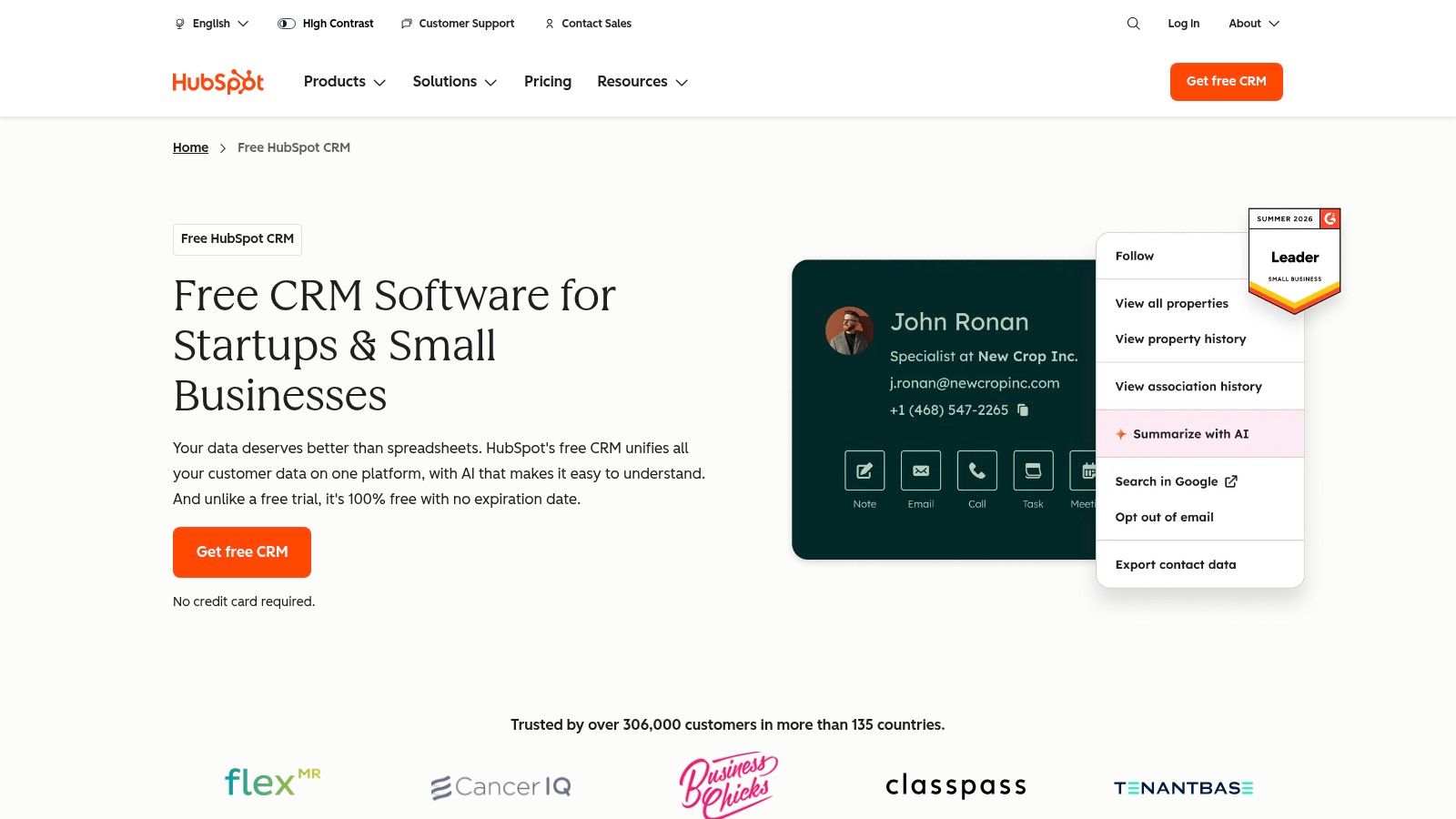
Best for an inbound business that wants sales and marketing connected. HubSpot CRM organizes contacts, companies, deals, and sales activity, with connections to its broader marketing, service, and content products.
For a consultant attracting enquiries through articles, newsletters, and website forms, that shared ecosystem makes sense. You can organize the relationship around the person and company rather than maintaining separate marketing and sales records. Pair the setup with sensible email marketing practices, especially clear segmentation and appropriate follow-up.
Where the broader platform helps
HubSpot is worth considering when your next operational problem is likely to involve marketing or customer service. It's less compelling when you only want somewhere to record a conversation and schedule a reminder.
Free-plan limits: Free CRM tools let you test real contact and deal workflows, but don't assume advanced automation or higher-volume activity is included.
Seat requirements: Check which paid seats each teammate needs before adding Sales Hub or other products.
Usage costs: Model the hubs, features, and activity levels you'll use rather than treating the free CRM as your eventual total cost.
Skip HubSpot if you want a deliberately narrow tool and have no intention of connecting marketing or service operations. Its breadth is useful only when it replaces work you'd otherwise do elsewhere.
2. Zoho CRM
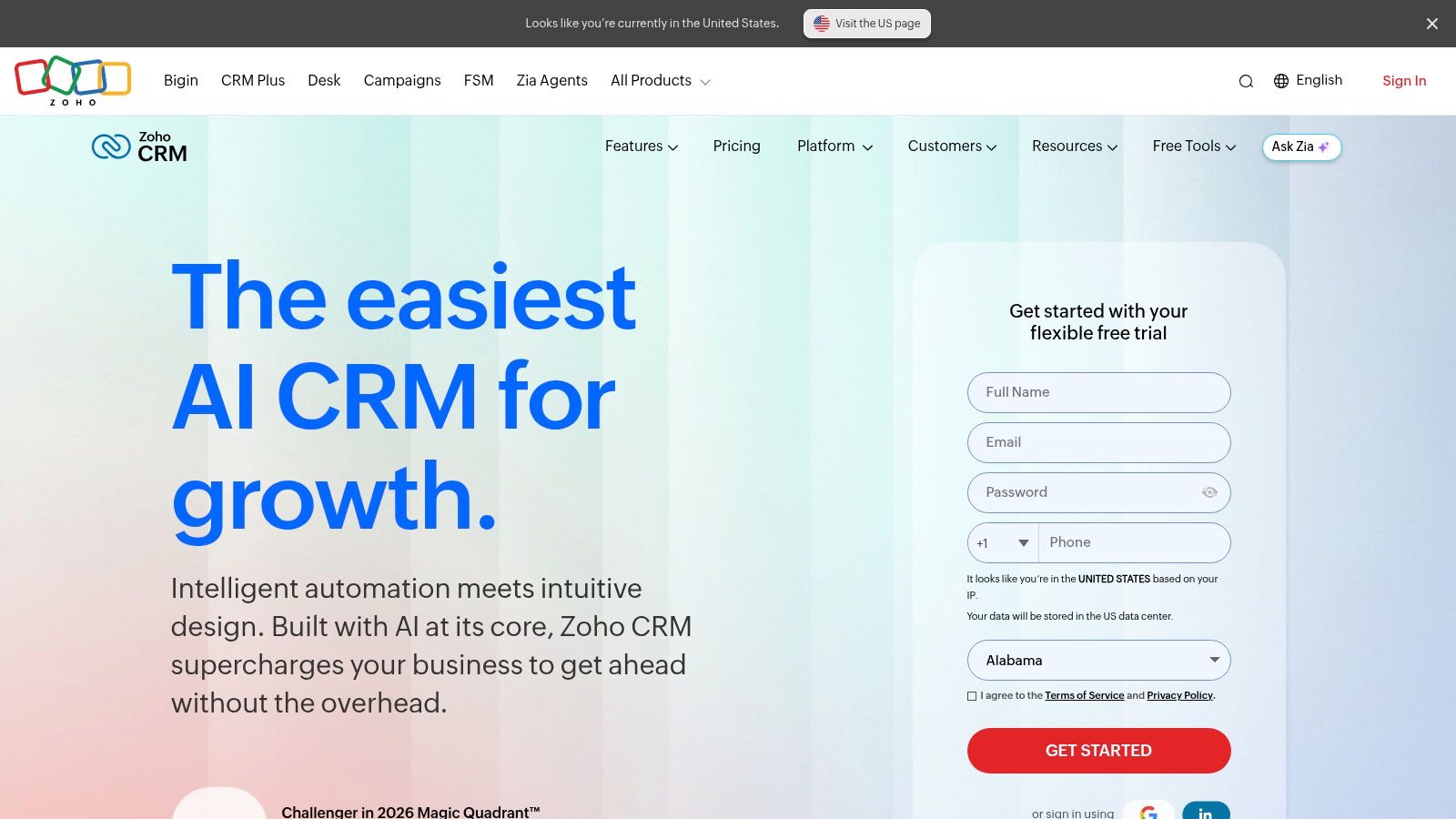
Say your consultancy sells audits, implementation projects, and ongoing retainers across different countries. Zoho CRM fits a business with a defined process that needs configurable records, not just a generic contact list.
Zoho CRM supports lead, contact, account, and deal management, alongside workflow automation and reporting. You can structure your evaluation around fields such as service type, referral source, country, and renewal date. Its broader application ecosystem also makes it relevant if other Zoho products already handle your operations.
The trade-off is administrative effort. Someone needs to decide which fields matter, maintain workflow rules, and prevent everyone from creating their own version of the sales process.
Practical rule: Configure the fields that change a decision or trigger an action. Leave out fields you're collecting merely because the software allows them.
Free-plan limits deserve attention because the free edition restricts team access and doesn't represent the full paid feature set. For paid subscriptions, verify seat requirements, edition-specific automation, and whether connected applications or usage allowances create additional costs.
Start with a plain pipeline before adding multiple processes and elaborate reporting. Skip Zoho CRM if you don't have anyone willing to own configuration, or if your entire requirement is contact history plus a next-action reminder.
3. Pipedrive
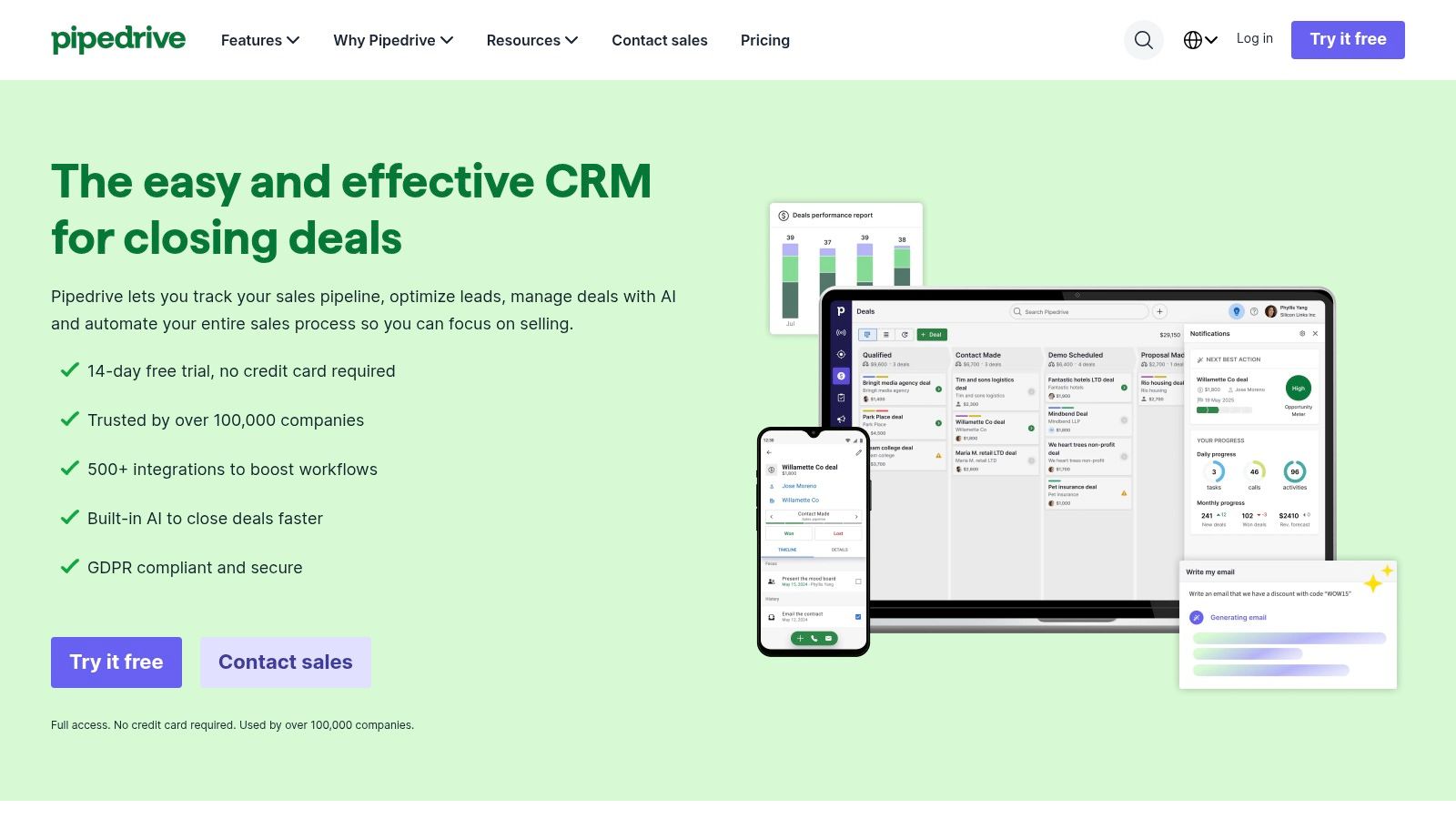
Choose Pipedrive when your main problem is losing track of opportunities. Its visual pipeline suits an agency or small business-to-business sales team that wants to see which proposals are moving, which deals have stalled, and who needs a follow-up.
Pipedrive concentrates on deal progression, contact organization, calendars, and sales activities. Email synchronization, automations, and sequences depend on the selected plan. That sales-first focus is its attraction, but it also means you shouldn't evaluate it as a complete marketing and customer-service suite.
Build the pipeline around buyer progress
Use stages that describe something the prospect has done, such as completing discovery or reviewing a proposal. A stage named follow-up tells you about your activity, not whether the buyer is closer to a decision.
Free access: Treat the trial as an evaluation window, not an ongoing free operating plan.
Seat costs: Per-seat subscriptions make headcount part of the calculation. Confirm any purchase minimum and distinguish active sellers from people who only need occasional visibility.
Additional costs: Check the plan needed for email and automation, plus any optional products or usage allowances your workflow requires.
Pipedrive works best when the team maintains next actions instead of merely moving cards around. Skip it if your bigger challenge is campaign management, support tickets, or project delivery rather than sales follow-through.
4. Freshsales
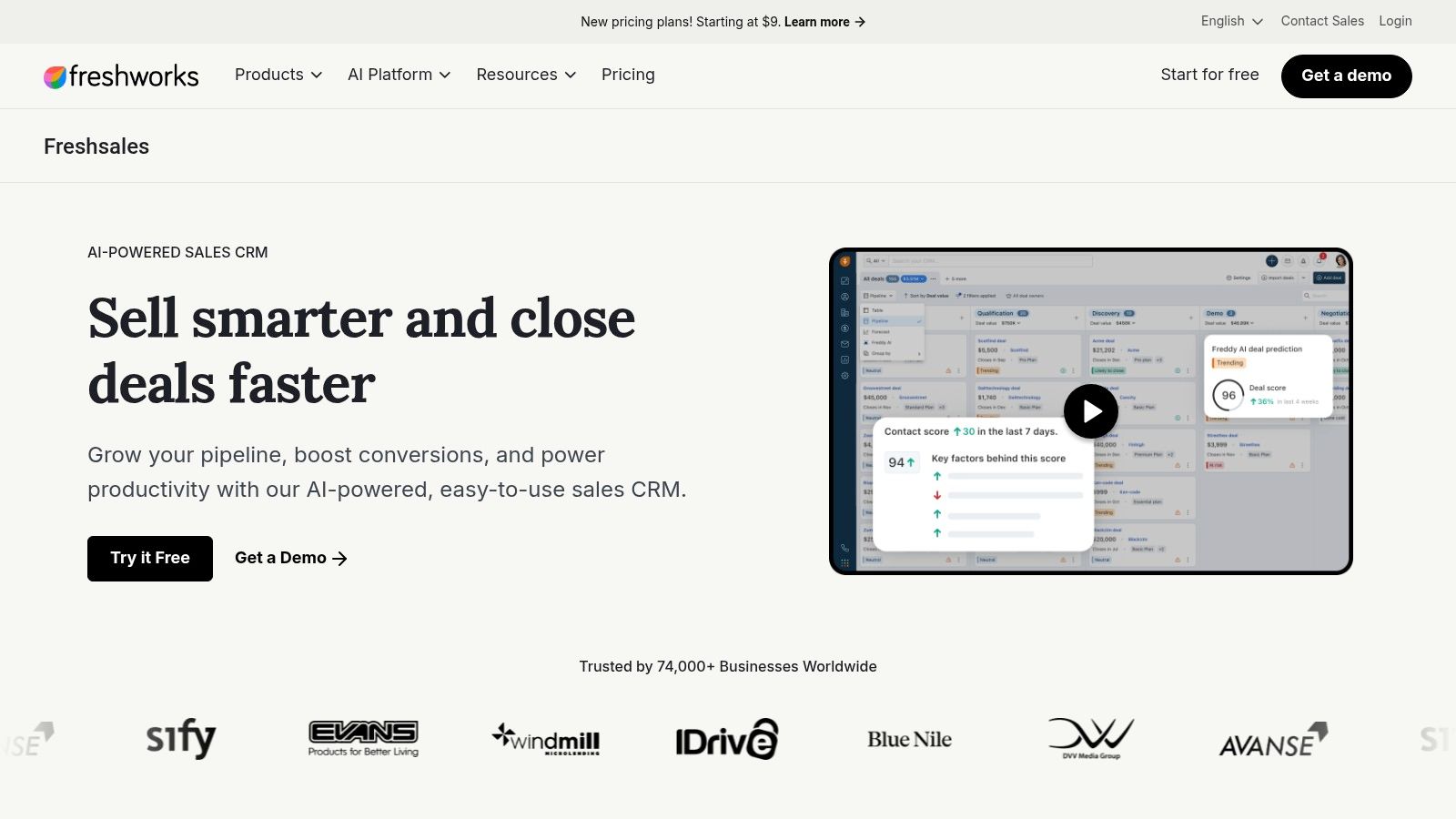
A small sales team answering enquiries by email, chat, and phone has a different problem from a consultant managing occasional referrals. Freshsales is worth shortlisting when conversations need to sit close to pipeline activity.
Freshsales combines contact lifecycle and deal management with communication features, depending on the plan. Workflows, templates, mobile access, and reporting can support a shared sales routine without making staff reconstruct every conversation from separate applications.
Before configuring automation, decide who owns an incoming enquiry and who takes over when that person is unavailable. A shared platform doesn't prevent duplicate replies unless the team follows an ownership rule.
Test communication costs, not just contact records
The free plan has a user cap, so check whether your whole working team fits and which communication features remain available. For paid plans, confirm seat requirements and the tier needed for sequences, forecasting, and management capabilities.
Phone usage and related add-ons can affect the total bill. Test the destinations your team calls and inspect how communication charges appear alongside the subscription. Don't assume that built-in calling means unrestricted calling.
Skip Freshsales if you mostly need notes and reminders for a small referral-based practice. Its communication features are useful when staff will use them consistently, not when they duplicate an established workflow nobody wants to change.
5. monday CRM
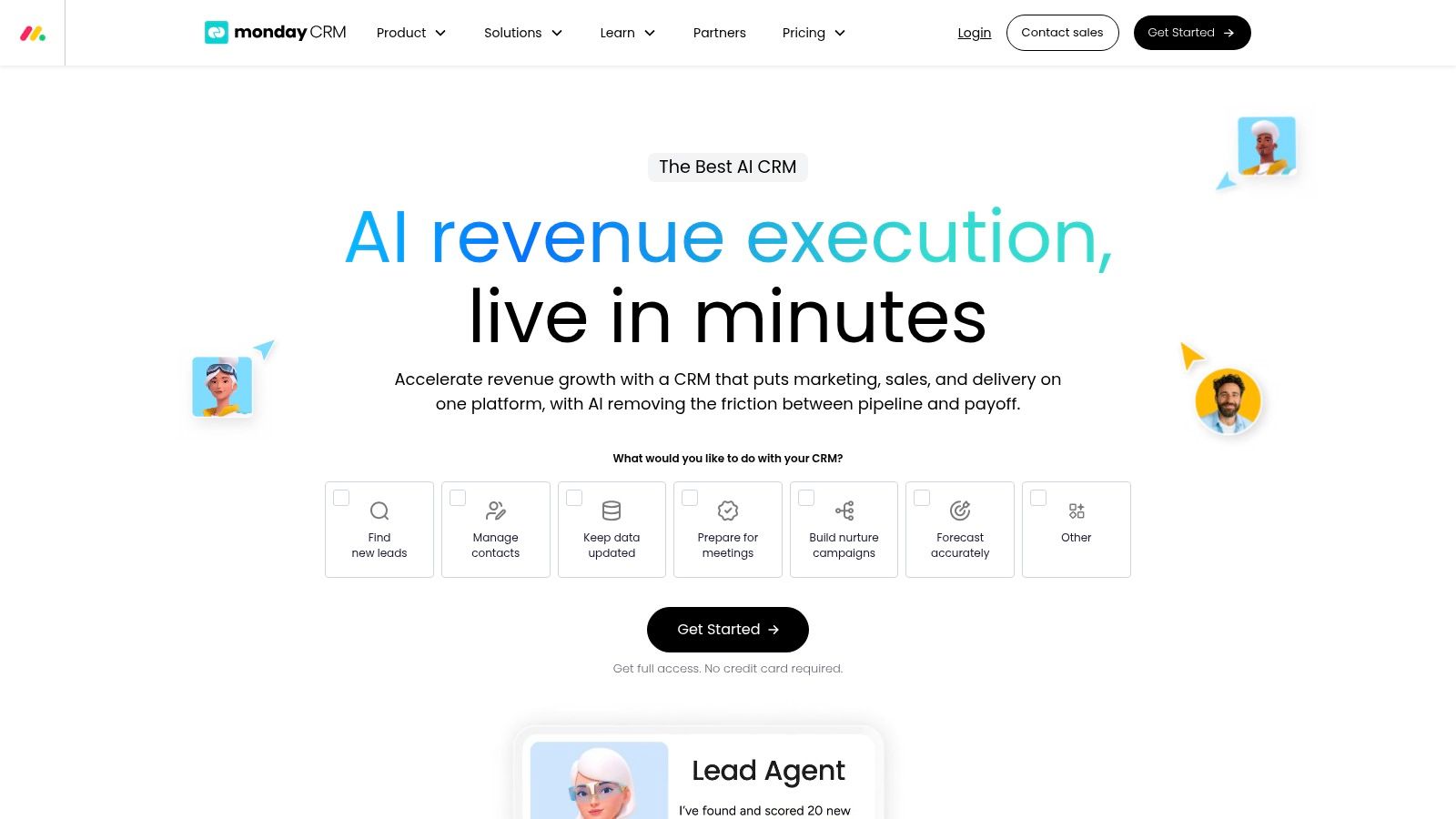
monday CRM fits a distributed agency that already thinks in boards, statuses, and handoffs. Its customizable lead, contact, and deal boards can reflect a workflow that doesn't fit neatly into a conventional sales pipeline.
With monday CRM, visual columns and statuses help teams organize customer processes. Dashboards, automations, and email sequences depend on the plan. The flexibility is valuable when sales needs to hand approved scope, deadlines, and client context to delivery staff across time zones.
The danger is building an elaborate board that nobody wants to maintain. Give each status a clear meaning and each handoff a named owner.
Free-plan limits: The free access is a trial, not an ongoing free CRM plan.
Seat minimum: Paid plans have a minimum-seat purchase requirement, making this an important check for solo founders and very small teams.
Usage exposure: Compare automation allowances and integration limits against your expected workflow, and establish whether extra capacity requires an upgrade or another charge.
A board full of green statuses isn't proof of a clean handoff. The receiving teammate needs the agreed scope, next action, and responsibility recorded.
Skip monday CRM if you want a ready-made sales routine with minimal design work. It's a better match when someone can maintain the boards and prevent parallel, conflicting processes.
6. Bigin by Zoho CRM
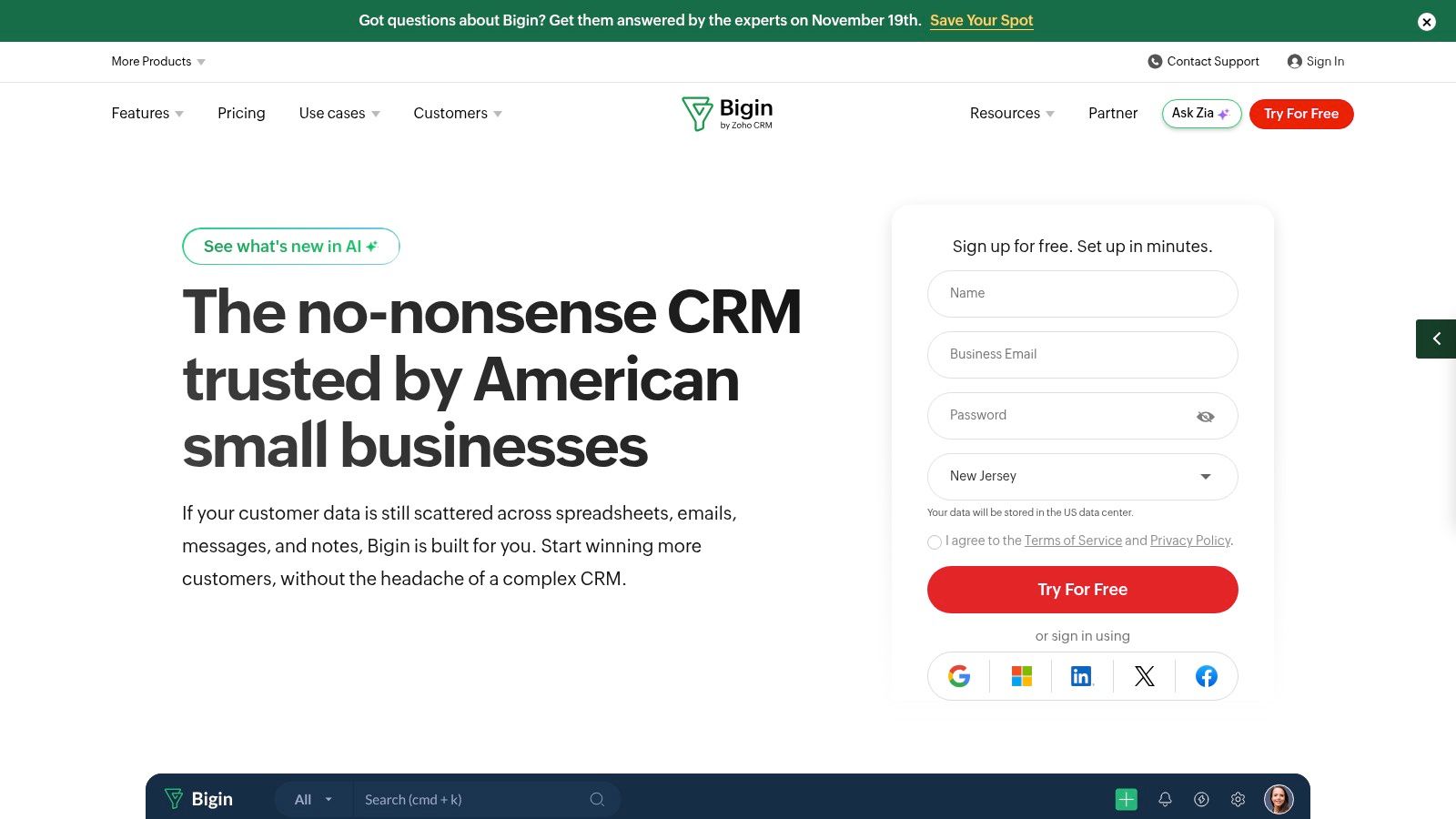
Moving beyond a spreadsheet doesn't have to mean adopting a broad sales suite. Bigin suits a freelancer who wants a visible path from enquiry to proposal, onboarding, and repeat work.
Bigin by Zoho CRM centers on pipelines, contact and deal tracking, and sales follow-up. Email and calendar integrations help connect the record to everyday work, while calling and payment-collection features merit a closer look if they fit your operating setup.
Keep the initial workflow narrow
Start by recording the prospect, service requested, proposal status, and next action. Don't rebuild every historical spreadsheet before you've confirmed that the daily workflow is comfortable.
A Small Business Trends summary of a survey of more than 1,500 U.S. small companies reported that 58% of CRM users were very satisfied with how they conducted business, compared with 30% of non-users. That association supports focusing on operational usefulness, not assuming software alone produces better results.
The free edition restricts users and records. Check the current record definition, paid-seat requirements, and allowances for any calling, payment, or connected services you intend to use.
Skip Bigin if you already need complex reporting, extensive customization, or tightly controlled processes across departments. Its narrower scope is an advantage only while it matches the complexity of your business.
7. Less Annoying CRM
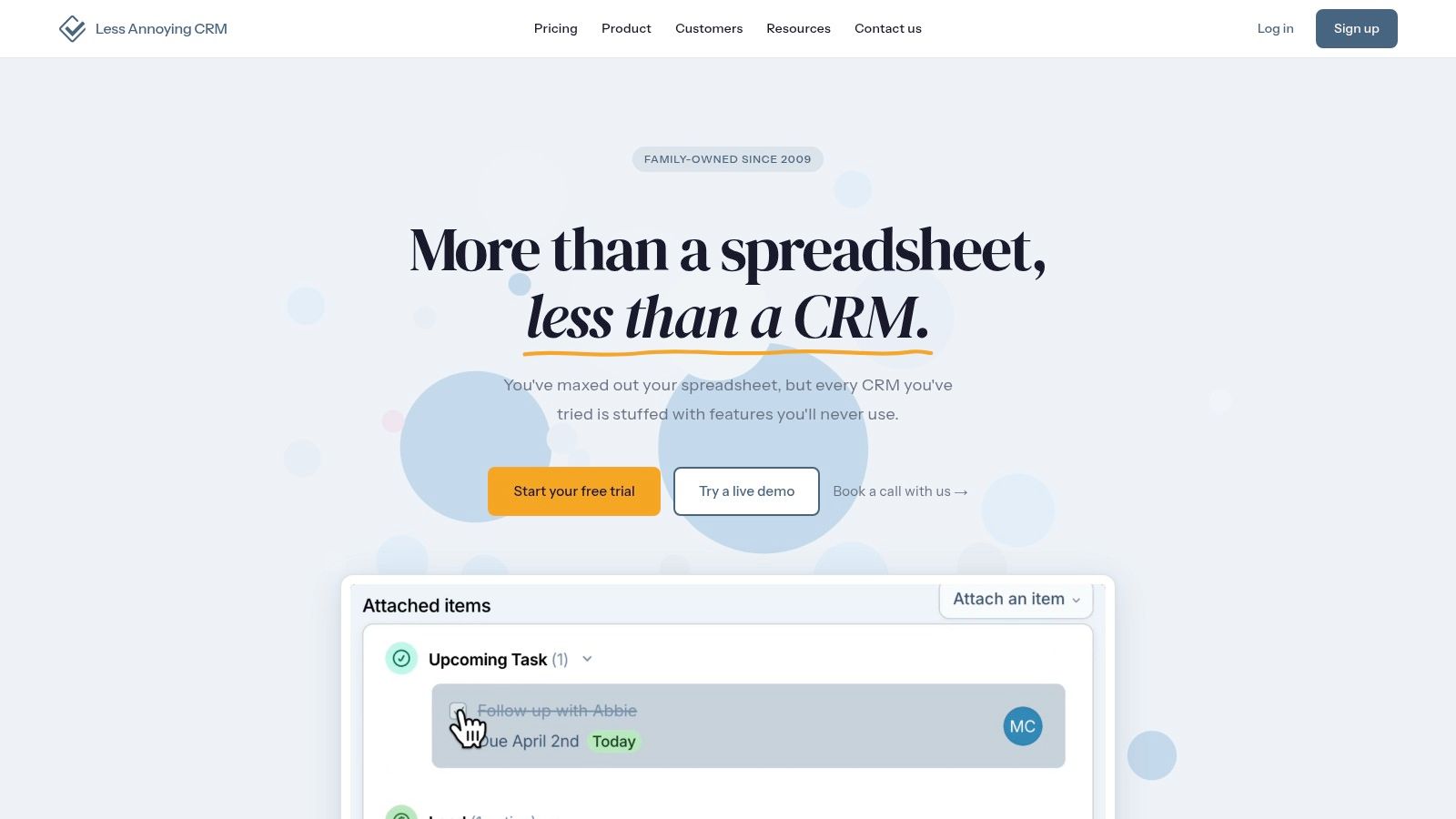
Less Annoying CRM is for the consultant who wants a dependable working notebook, not another platform to administer. Contacts, companies, pipelines, tasks, calendar connections, and permissions cover the core relationship-management jobs.
Less Annoying CRM emphasizes straightforward pricing and support rather than a broad ladder of feature tiers. That approach suits a small service business where consistent follow-up matters more than complex campaign automation.
The useful test is whether you can finish a call, record the commitment, and find the next task without hunting through settings. For ongoing client work, connect those tasks to a repeatable client onboarding process rather than leaving everything in an unstructured note.
Know what simplicity leaves out
Free access: Evaluate the product through its trial rather than budgeting around a permanent free edition.
Seats and pricing: Its published per-user approach is easier to assess than a large feature-tier structure. Confirm purchase requirements for your actual team.
Usage costs: Don't mistake simpler CRM pricing for a complete software budget. External email, automation, or other connected tools may still carry their own charges.
Skip Less Annoying CRM if you need extensive marketing automation, complex sales orchestration, or a broad application ecosystem. Choose it when you're prepared to trade breadth for a clearer daily routine.
8. Capsule CRM
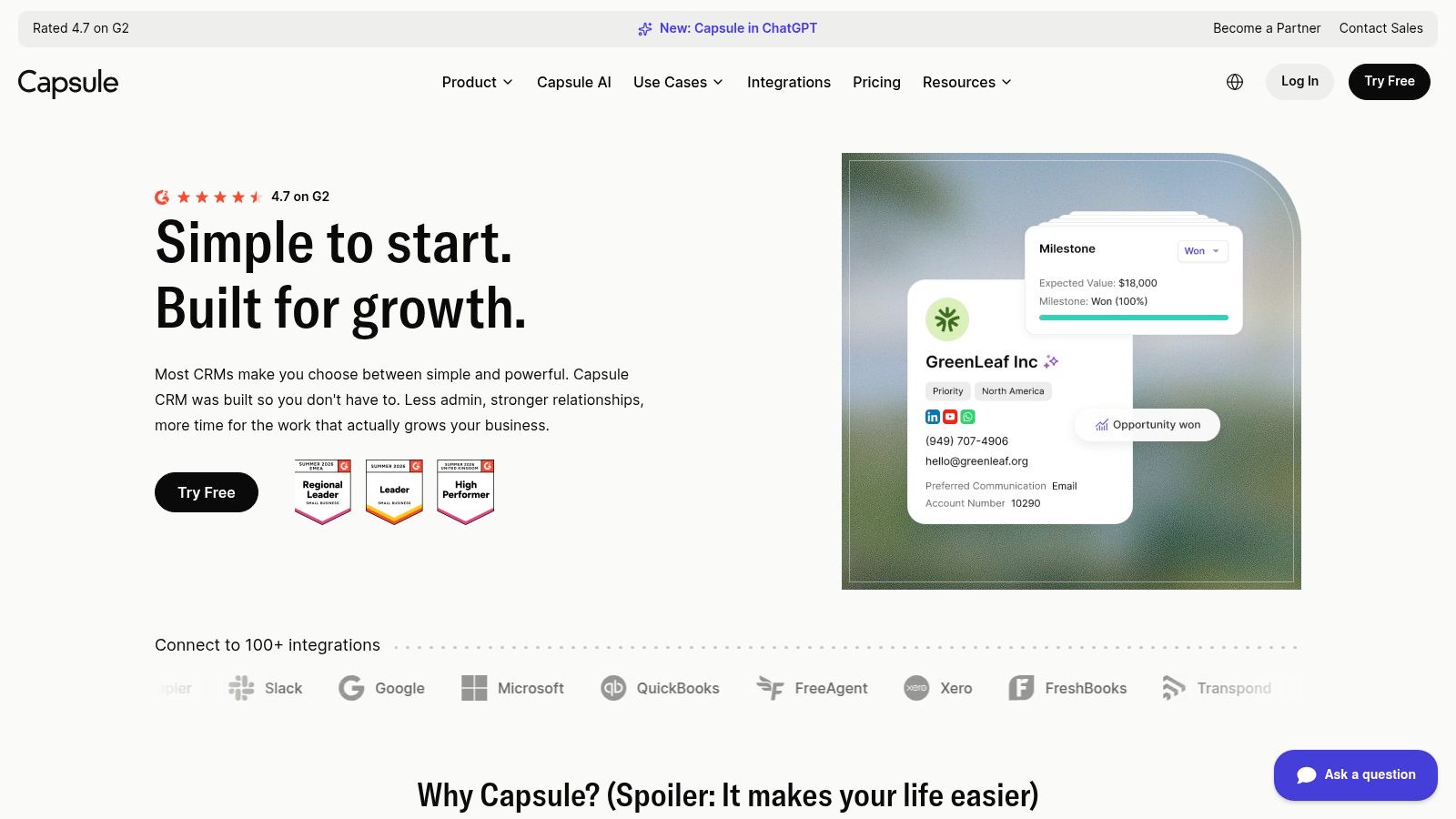
Not every business sells through a high-volume funnel. Capsule fits relationship-led service firms that need to remember who introduced a prospect, what was discussed, and when an existing client might need help again.
Capsule CRM organizes contacts, opportunities, tasks, and customer history. Its focus makes it relevant to freelancers and small practices that want relationship context alongside a manageable sales pipeline.
For a referral-based consultant, a useful record includes the introducer, the client's current priorities, and the next appropriate reason to reconnect. Recording those details is more valuable than forcing every relationship into an aggressive prospecting sequence.
Buying advice: Test whether you can retrieve the last meaningful conversation quickly. A tidy contact directory isn't enough if you still have to search your inbox for context.
Free-plan limits include both users and contacts, so an established address book may constrain the free option before your sales process does. Check paid-seat requirements, contact allowances, and the plan needed for email synchronization and reporting.
For usage-related costs, distinguish included integrations from subscriptions you'll need to maintain separately. Don't assume a connection makes the connected service free.
Skip Capsule if your sales operation depends on intensive built-in calling or complicated outreach sequences. It's more naturally suited to maintaining business relationships than running a communications-heavy outbound operation.
9. Close
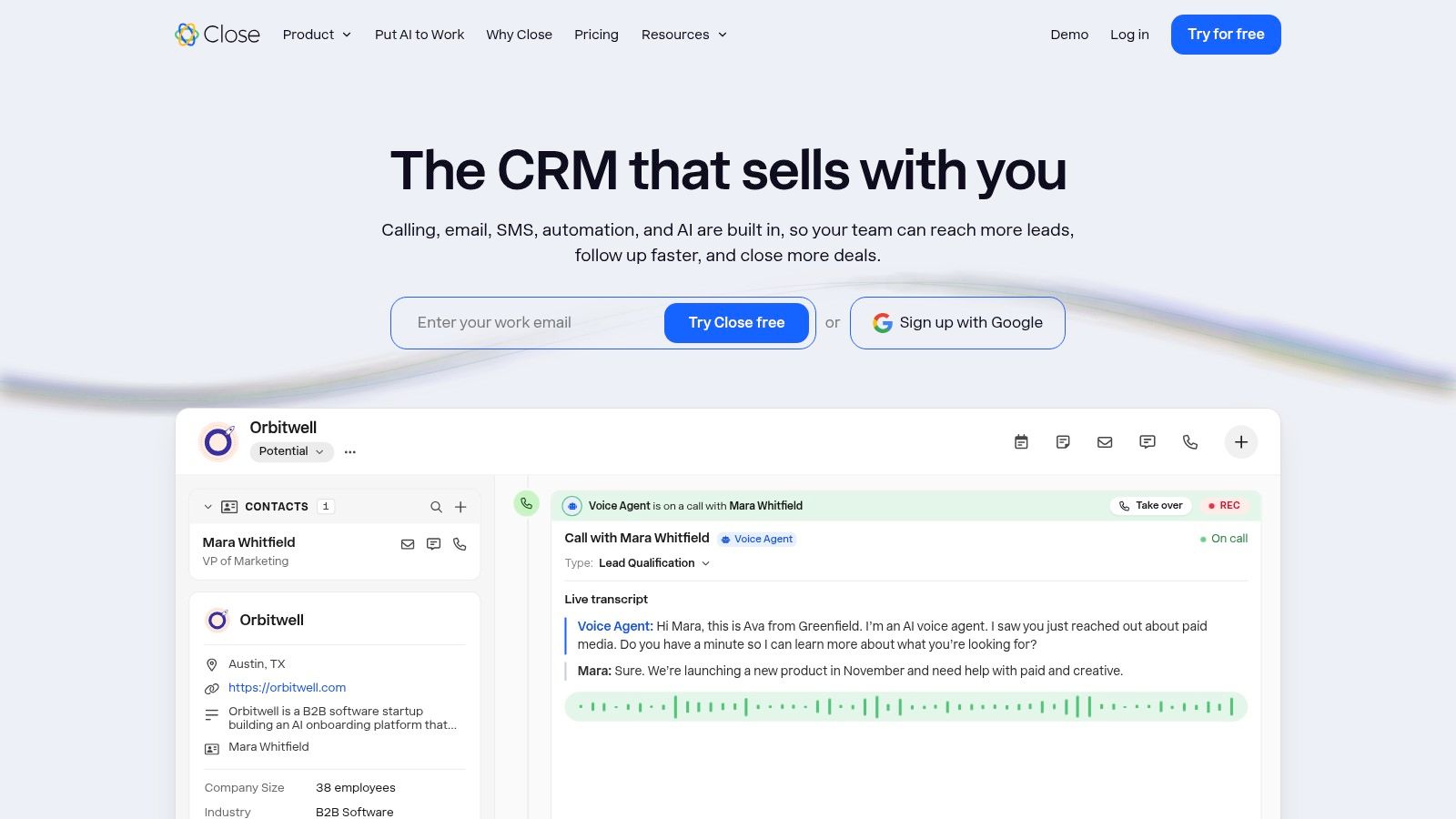
Close belongs on the shortlist for an active outbound sales team. If staff spend their day calling prospects, sending emails, and following up by SMS, keeping those activities attached to lead records is a practical priority.
Close CRM combines lead and opportunity management with calling, SMS, email timelines, workflows, and reporting, subject to plan availability. The attraction is reducing the separation between doing outreach and documenting it.
Price the sales motion
The subscription isn't the whole buying decision. Evaluate the channels, destinations, and working patterns your team will use.
Free access: A free trial is available, but don't treat trial access as a permanent free operating plan.
Seat requirements: Confirm the paid seats and any minimum purchase needed for your sellers and managers.
Usage charges: Calling and SMS can add costs beyond the subscription. Estimate them using a representative outreach workload rather than an unusually quiet period.
For international teams, test local-number availability, destination support, and activity ownership before standardizing the workflow. Keep billing responsibilities separate from sales activity, with a clear process for consultant invoicing once an opportunity becomes paid work.
Skip Close if you sell through occasional referrals and rarely make outbound calls. You'd be choosing around a communications workflow you don't need.
10. Attio
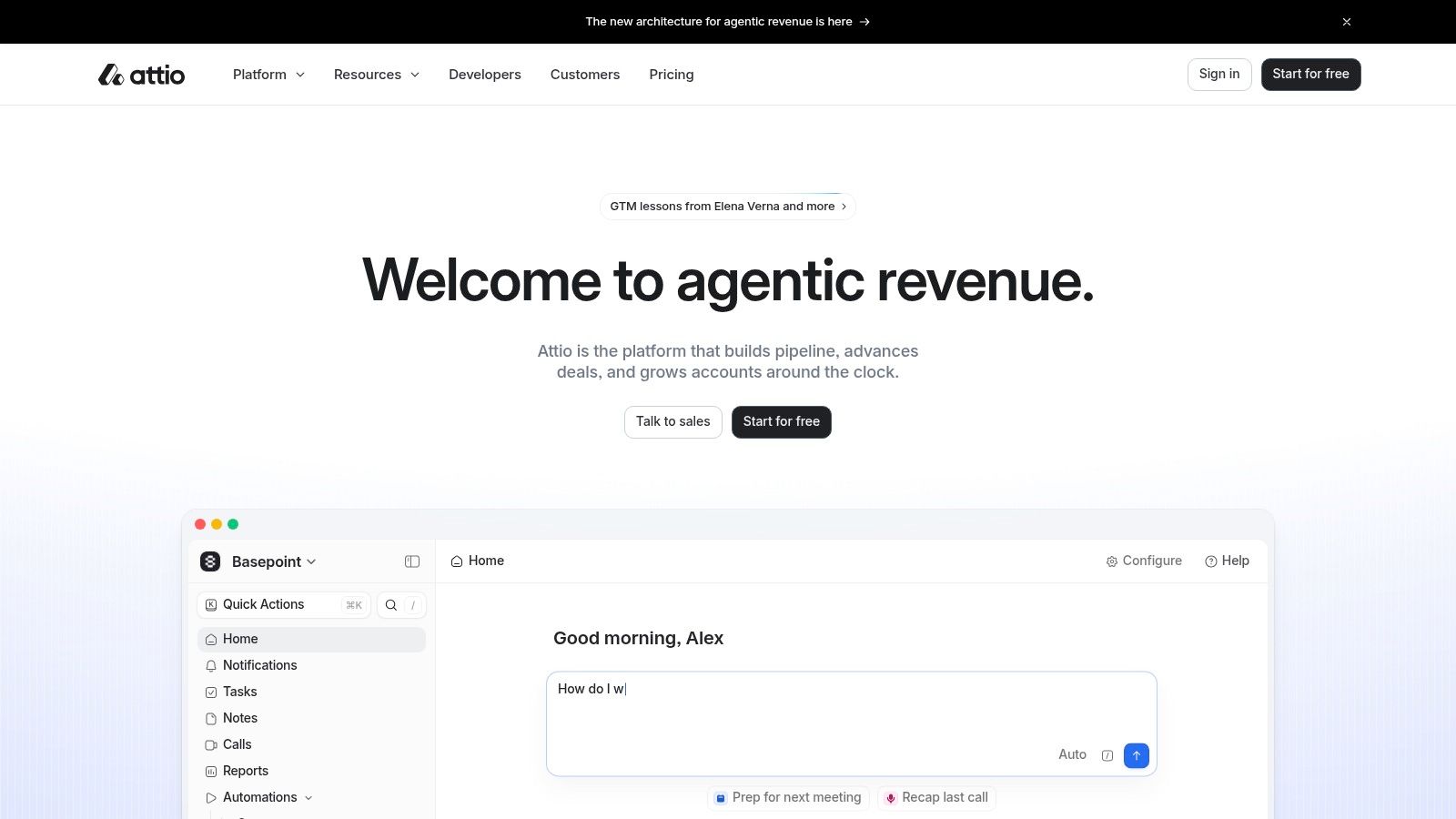
A founder managing customers, partners, and other business relationships may not want every record forced through the same sales funnel. Attio suits teams whose relationship model is still evolving.
Attio offers customizable records and objects, contact synchronization, enrichment, lists, reporting, and workflows. That flexibility can accommodate relationships beyond conventional sales opportunities, but someone must decide how those relationships should be represented.
Flexibility needs an owner
Define the difference between a person, a company, and an opportunity before importing everything. Agree on naming rules and required fields so teammates don't create incompatible structures.
The free plan has a seat limit, and paid plans introduce further choices about features and capacity. Check paid-seat requirements and account for additional AI or workspace credits, since usage-based costs can make the subscription only part of the bill.
AI controls also belong in the evaluation. In the CAMEO Network small-business AI survey report, 44% of surveyed small businesses cited data privacy and security as their biggest concern. Before enabling enrichment or AI workflows, establish what information is processed, whether it's used for training, and how people review outputs.
Skip Attio if you want a prescribed sales process with very few setup decisions. Adaptability helps only when your team can maintain a coherent structure.
CRM Options at a Glance
| Item | Free option | Best for | Entry point |
|---|---|---|---|
| HubSpot CRM | Free CRM tools | Small businesses connecting sales and marketing | HubSpot CRM |
| Zoho CRM | Free edition for up to 3 users | Small businesses wanting configurable sales processes and automation | Zoho CRM |
| Pipedrive | Free 14-day trial | Small B2B teams focused on deal pipelines and follow-up | Pipedrive |
| Freshsales | Free plan for up to 3 users | Small teams managing conversations and sales activity together | Freshsales |
| monday CRM | Free trial; no ongoing free CRM plan | Distributed teams that prefer visual, customizable workflows | monday CRM |
| Bigin by Zoho CRM | Free edition for 1 user | Freelancers and small businesses moving beyond spreadsheets | Bigin by Zoho CRM |
| Less Annoying CRM | 30-day trial; no credit card required | Solo consultants and small service businesses wanting a straightforward CRM | Less Annoying CRM |
| Capsule CRM | Free plan for up to 2 users and 250 contacts | Freelancers and small service firms tracking relationships and opportunities | Capsule CRM |
| Close CRM | Free trial; no credit card required | Active outbound sales teams managing calls, emails, and pipeline activity | Close CRM |
| Attio | Free plan for up to 3 seats | Startups and founder-led businesses with evolving relationship workflows | Attio |
Choosing Your CRM Without Committing Too Early
Pick the tools that match your operating setup, then test the same real workflow in each. Capture a lead, prepare a proposal, schedule a follow-up, and close the deal. Include a lost opportunity too, because recording why someone declined should be as straightforward as celebrating a win.
Use a short, fixed evaluation period rather than browsing indefinitely. Import a representative sample of contacts, connect your working calendar, and test from the phone you use while traveling. A polished desktop demonstration won't reveal whether you can retrieve client history between meetings.
Judge the work, not the dashboard
Record where you needed duplicate entry, where permissions blocked a handoff, and whether reminders appeared where you'd actually notice them. Note which tool you open naturally and which one you keep postponing.
For solo consulting: Start with Bigin, Less Annoying CRM, or Capsule.
For inbound growth: Consider HubSpot when connecting marketing and sales is part of the plan.
For structured sales: Compare Pipedrive with Zoho CRM, depending on how much configuration you need.
For distributed handoffs: Evaluate monday CRM against your real ownership and delivery process.
For communications-heavy selling: Compare Freshsales and Close.
For evolving relationship models: Consider Attio if someone can own its structure.
Before subscribing, match free-plan limits and paid-seat requirements to actual headcount, including contractors and occasional collaborators. Add communication usage, automation allowances, connected subscriptions, migration work, and ongoing maintenance to your cost assessment.
Test the exit as well. Export contacts, opportunities, notes, and activities, then check whether you can reconstruct useful client history outside the platform. A downloadable contact list alone may not preserve the context you need.
Keep automation and billing under control
If AI is part of your shortlist, CRAIM's AI CRM comparison provides another comparison point. Still, assess data use, deletion controls, access permissions, and human review separately from the quality of generated summaries.
Keep billing information consistent with your client records, even if the tools are separate. Use the same client identity and link the proposal, agreed scope, and invoice reference without assuming a native integration exists.
If invoicing is the next gap, Mazurly's Free Invoice Generator keeps invoice details on your own device, with no upload to a server. Choose the CRM that supports your routine, then fix the next operational gap without adding unnecessary complexity.
Mazurly offers practical tools and guides for running a location-independent business, including invoicing, time-zone coordination, and client workflows. Visit Mazurly to create an invoice with our Free Invoice Generator and build a clearer process from first enquiry to paid client work.