
10 Notion Alternatives Compared by Workflow in 2026
Table of contents
- 1. ClickUp
- Keep the initial setup narrow
- 2. Obsidian
- Separate knowledge from coordination
- 3. Anytype
- Learn the object model before importing
- 4. AppFlowy
- Control comes with operational work
- 5. Capacities
- Buy advanced features for a defined need
- 6. Confluence
- Governance is part of the setup
- 7. Asana
- Model the process before automating it
- 8. Airtable
- Design relationships before adding automation
- 9. Craft
- Test the reader's experience
- 10. Microsoft Loop
- Confirm access before building around it
- How the Notion alternatives compare on fit, free access, data location, and self-hosting
- Choosing a Notion Replacement Without Migrating Blind
- Run a representative project
Your client tasks live in a Notion database, research notes sit somewhere beneath a dashboard, and the handoff document your contractor needs is buried inside an old project page. You've built a useful workspace, but now you're spending more time explaining where things belong than doing the work.
Notion isn't necessarily failing. You're asking the same tool to manage deadlines, preserve long-form documentation, organize private thinking, and coordinate people across time zones. Those jobs need different structures. A researcher needs connections between ideas; a project manager needs an owner and a clear next action.
The best Notion alternatives replace the workflow that's causing friction, not necessarily your entire workspace. ClickUp and Asana emphasize execution. Obsidian, Anytype, and Capacities approach personal knowledge differently. Confluence and Craft serve distinct documentation needs, while Airtable organizes operational records. AppFlowy and Microsoft Loop offer different routes to a shared workspace.
Before rebuilding everything, separate your private working material from the information other people need. The principles behind shared workspaces for product teams help clarify that boundary: shared context needs a dependable home, not another dashboard only its creator understands.
The numbering below isn't a ranking. Choose by the work you need to fix, then consider setup effort, paid-plan restrictions, and how you'd retrieve your data if you left.
1. ClickUp
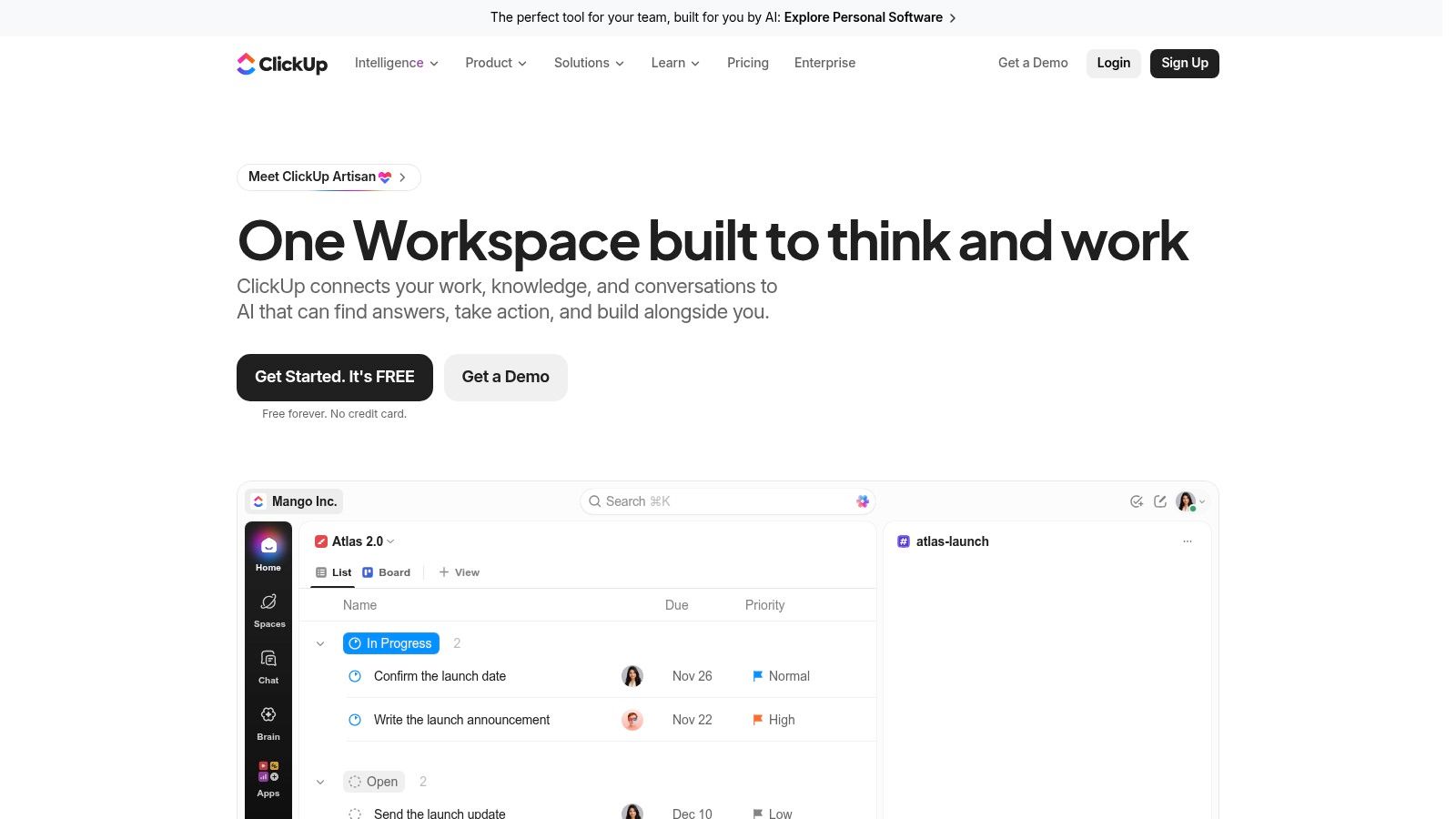
Choose ClickUp when tasks disappear inside documents. A launch plan can look complete in Notion while nobody knows who owns the approval. ClickUp puts tasks, deadlines, responsibilities, and project views at the center, with Docs available alongside the work.
Its list, board, calendar, and Gantt views let people inspect the same project differently. Dashboards, forms, and goals can also reduce the need to maintain separate intake and reporting tools. That breadth is useful when a founder coordinates contractors asynchronously, but only if everyone follows the same conventions.
Keep the initial setup narrow
Start with a client-delivery workflow, clear statuses, and a named owner for each task. Attach the brief and acceptance criteria to the work rather than scattering instructions between chat and documents.
Best fit: Client delivery, launches, and projects involving handoffs between collaborators.
Setup cost: Decide how spaces, folders, lists, and statuses map to your business before importing everything.
Pricing boundary: A free plan is available, but confirm the paid-plan requirements for time tracking, reporting, and the views your team needs.
ClickUp becomes awkward when you primarily want a quiet writing environment or an interconnected personal library. You can keep research there, but its task-oriented navigation makes execution the default.
Ownership trade-off: Treat exports as an exit requirement, not an afterthought. Test whether another system can use your task descriptions, attachments, and project structure before making ClickUp the sole operational record.
2. Obsidian
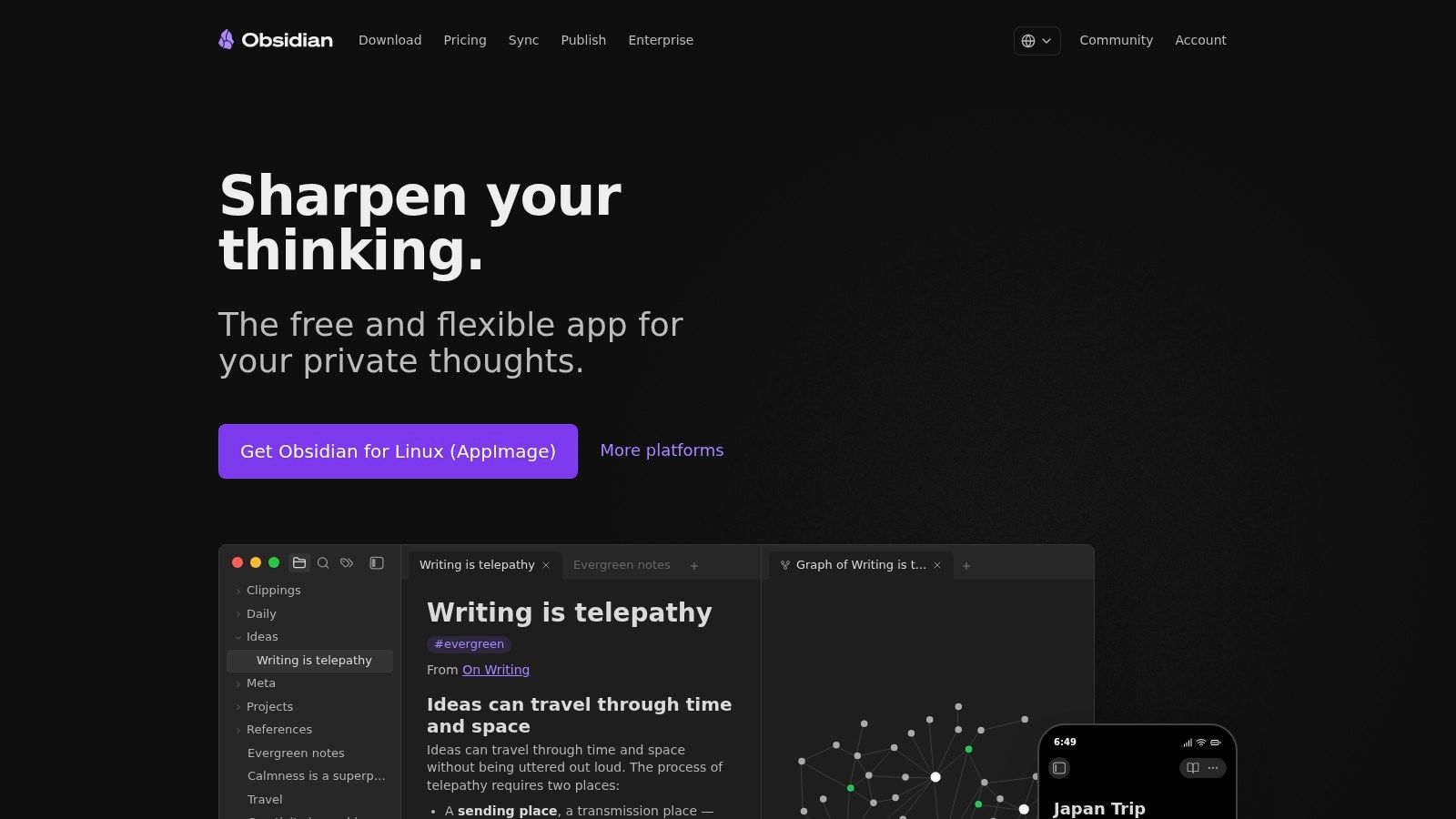
A consultant's private research library doesn't need the same architecture as a shared delivery board. Obsidian suits that distinction: notes live as local Markdown files, with backlinks and graph views helping you connect ideas.
You might keep interview notes, positioning arguments, and source material in a vault, then publish only the finished recommendation elsewhere. Direct access to the underlying files gives you a clearer ownership model than relying entirely on a hosted workspace.
Local files make your notes accessible outside the app. They don't automatically preserve every plugin-powered workflow.
That distinction matters when customization begins. Community plugins can support specialized capture and retrieval, but each dependency creates something you may need to maintain. Start with ordinary notes, links, and a consistent naming convention before assembling a complicated dashboard.
Separate knowledge from coordination
Obsidian fits personal thinking better than shared accountability. It isn't a complete company wiki or project-management system by default. Asking contractors to reproduce your vault configuration can create more friction than sharing a finished document.
The core app is free for personal and commercial use, while optional Sync and Publish services are paid. Include backup management and device synchronization in your decision, even if you don't buy those services.
If automated capture matters, compare the workflow described in these AI-powered note taking app reviews against what you need. Fast capture is helpful, but readable files and reliable retrieval matter more than accumulating notes you never revisit.
3. Anytype
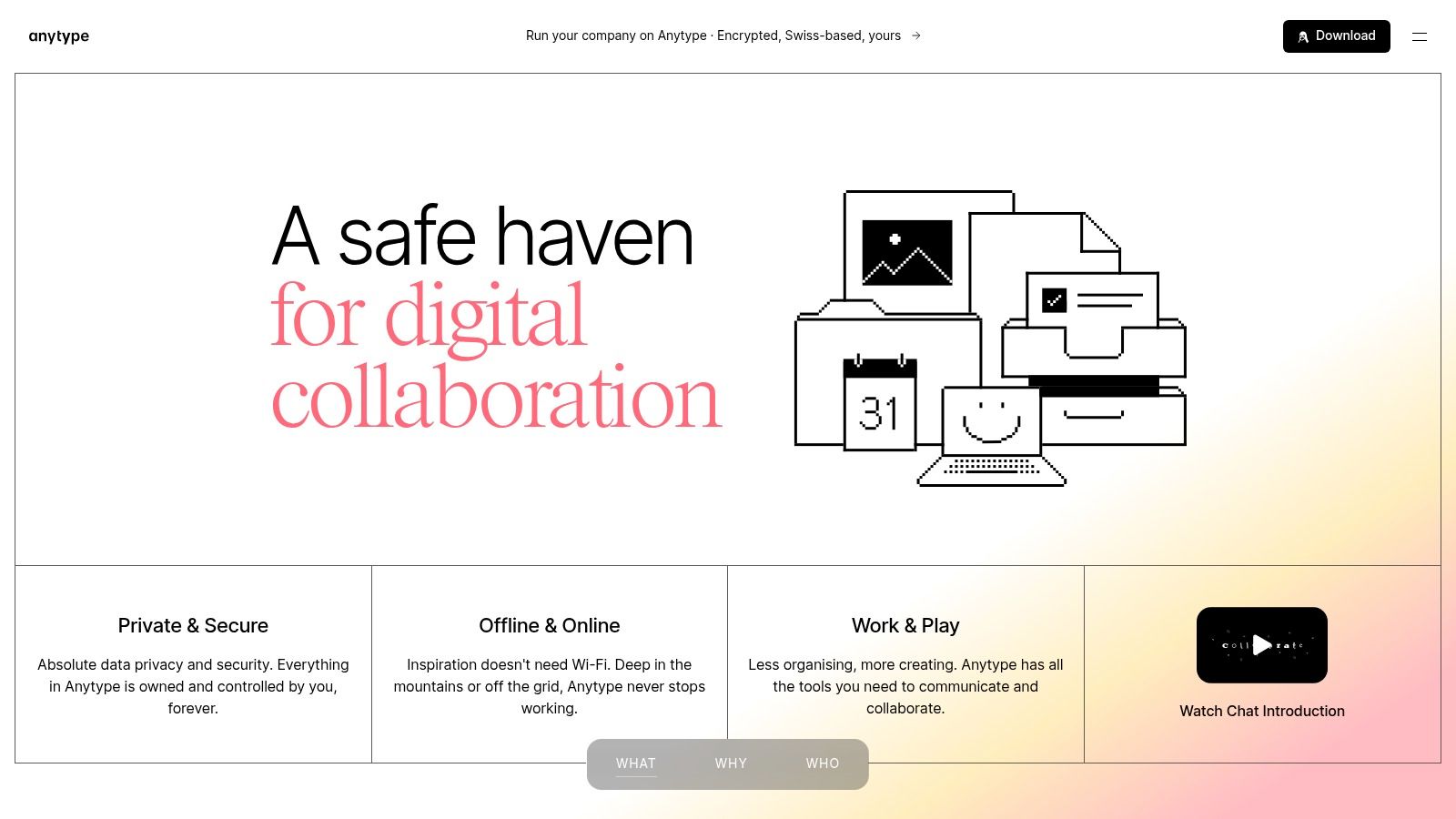
Anytype is worth considering when connectivity and data control matter more than familiar folders. Anytype organizes information as connected objects, such as people, projects, meeting notes, and reference material, rather than treating everything as an interchangeable document.
Say you're preparing a client proposal while traveling. You want the client record, previous meeting, and project notes available without depending on hotel Wi-Fi. Its local-first, offline-capable approach makes it a candidate for that workflow, but you should test the complete chain, including attachments and subsequent synchronization.
Learn the object model before importing
The main setup effort is conceptual. You need to decide what counts as an object, which properties belong to it, and how relationships should work. Recreating your old sidebar without learning that model can leave you with an unfamiliar interface and little practical improvement.
Where it fits: Connected personal or business knowledge with an emphasis on local access and privacy.
Where it strains: Teams expecting conventional document folders and immediately familiar collaboration.
Pricing boundary: Remote storage is limited on the free plan; membership plans expand storage allowances.
Shared channels offer a collaboration route, but test invitations, editing, and access boundaries with the people who will use them. Private knowledge and client-facing collaboration have different requirements.
Data ownership needs a recovery plan. Local-first handling is useful, but it doesn't replace backups, recovery preparation, or an export test. Confirm that you can retrieve usable content independently of your everyday device before relying on the workspace during travel.
4. AppFlowy
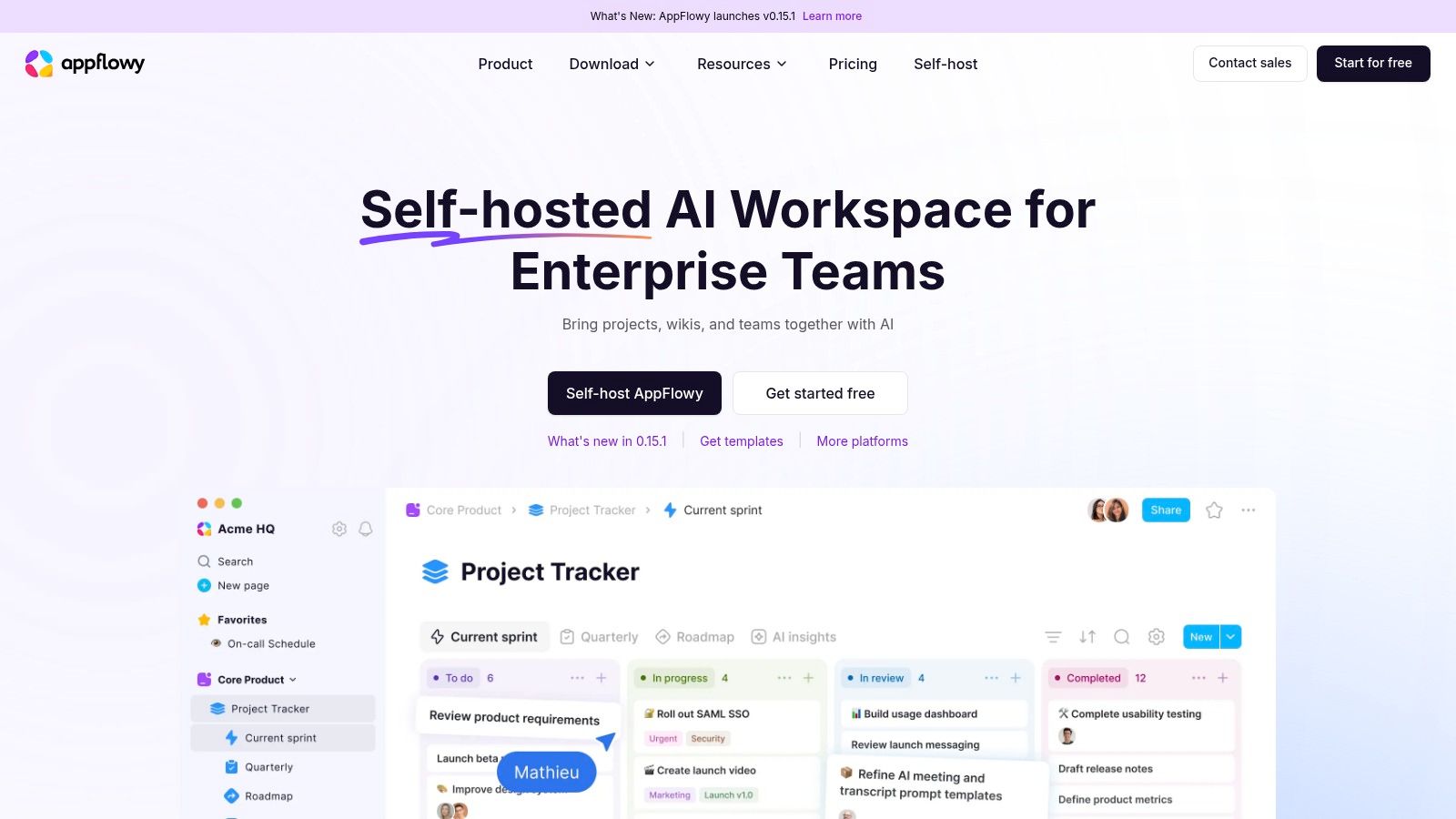
Some teams don't want a different organizational model. They want familiar pages and databases with more control over deployment. AppFlowy is the relevant candidate when that's your reason for leaving Notion.
Its open-source, Notion-style approach combines documents, databases, and work organization. A technically capable team can consider self-hosting rather than accepting a hosted service as the only deployment model. That makes it different from choosing another proprietary workspace.
Control comes with operational work
Self-hosting means somebody must handle deployment, updates, backups, access, and recovery. If that person is also your founder, salesperson, and delivery lead, the maintenance cost belongs in the comparison.
Our guide to open-source project management tools can help distinguish software freedom from the practical work of operating the system.
Good fit: Teams with infrastructure preferences and someone explicitly responsible for maintaining the deployment.
Setup burden: Test documents, database views, collaboration, and recovery in the intended environment.
Commercial boundary: Confirm hosted-plan entitlements and collaboration requirements separately from self-hosting availability.
Don't assume visual similarity guarantees a clean migration. Import a project with linked records, embedded files, and restricted information, then verify what still works.
AppFlowy's advantage is control, not the absence of responsibility. It can be a sensible replacement when deployment independence solves a real business requirement. It's less convincing when you want fewer settings and less administration, because operating the infrastructure can introduce work you didn't previously have.
5. Capacities
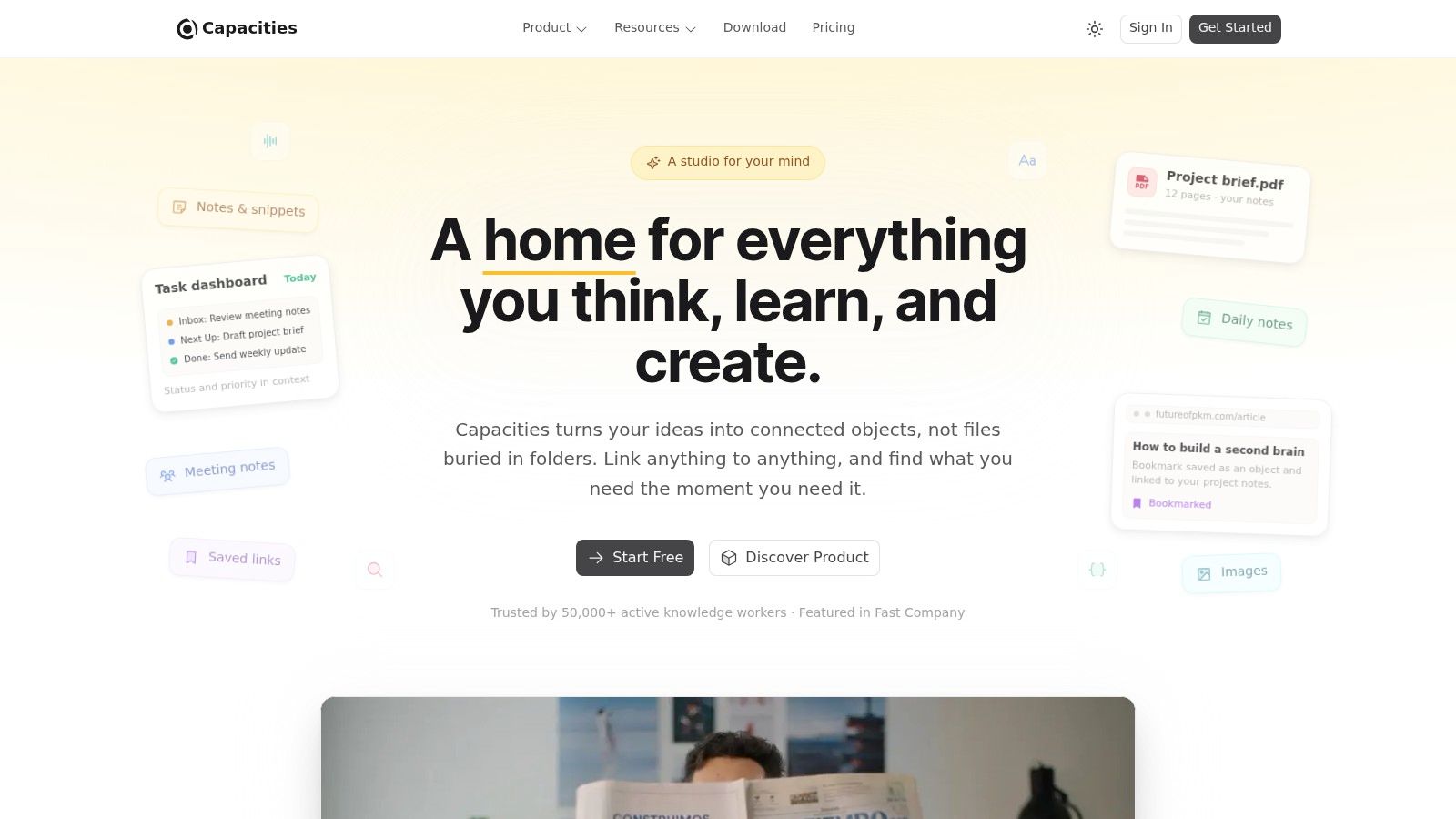
A folder called Research rarely tells you enough. You may remember the person, book, or project associated with a note, but not where you filed it. Capacities approaches that problem through custom object types and connected content.
For a freelancer, that could mean consistent structures for people, meetings, projects, and sources. Instead of designing a business-wide operating system, you're organizing the material you think with. That narrower purpose is its appeal.
Buy advanced features for a defined need
The Basic plan supports core knowledge organization, while Pro adds capabilities including task management, AI assistance, calendar integrations, and smart queries. Don't choose a paid plan because you might eventually use everything; identify the retrieval or planning problem an upgrade would solve.
The question behind is Capacities worth paying for is practical: will the paid functionality remove repeated manual work from your existing note-taking routine?
Travel test: Open the notes, linked material, and attachments you need in airplane mode, then edit and reconnect before trusting any offline workflow.
The Capacities comparison of Notion alternatives highlights why offline access deserves more scrutiny than a simple feature checkbox. For a mobile operator, retrieving a meeting note isn't enough if the supporting document remains inaccessible.
The limitation is scope. Capacities is primarily a personal knowledge system, not a complete team operations suite. Use its export support to test readable backups, and keep shared delivery commitments somewhere collaborators can reliably find and update them.
6. Confluence
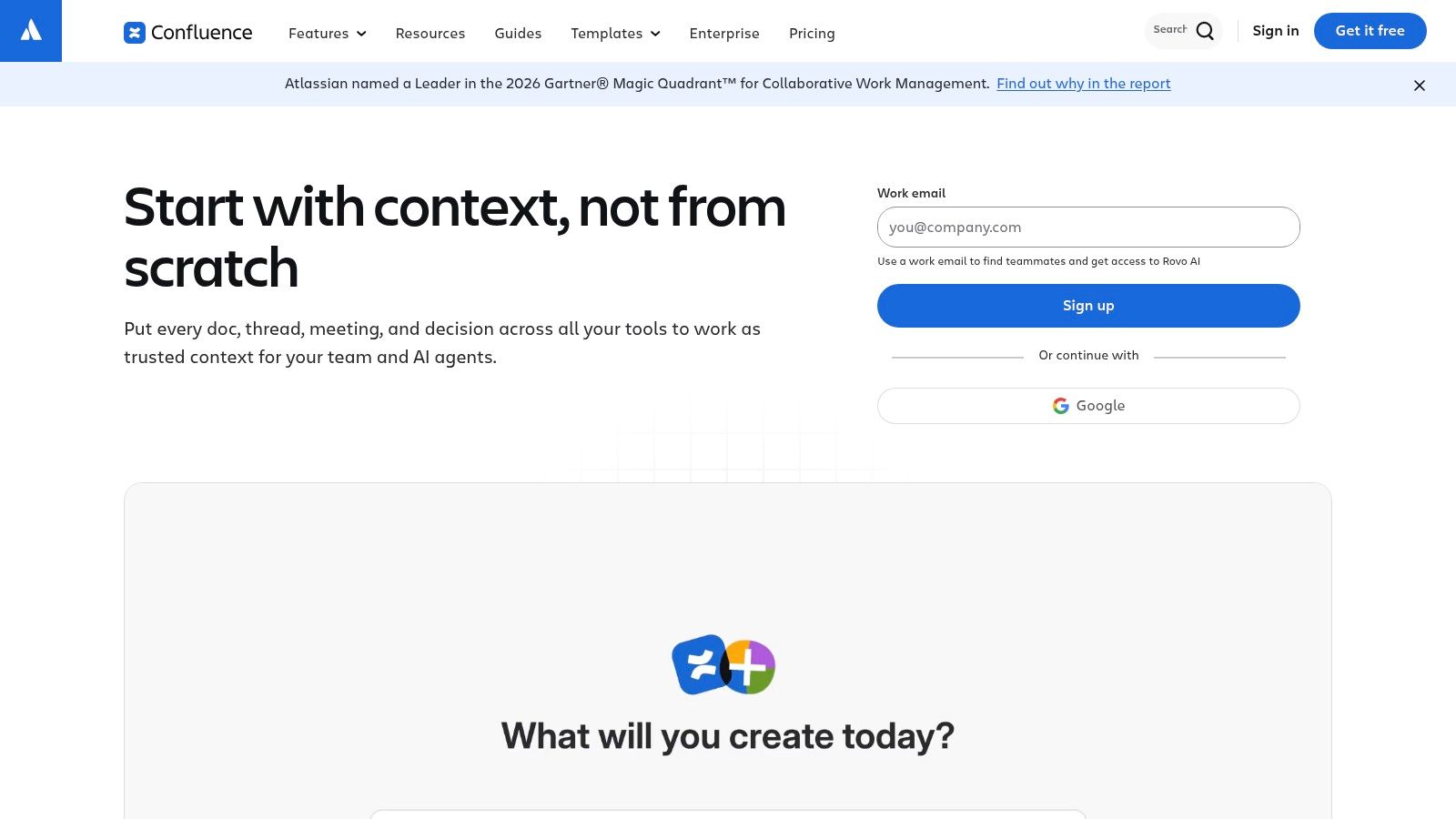
Confluence fits the company handbook problem. If teammates keep asking which process is current, Confluence offers spaces and pages for organizing shared documentation, policies, meeting notes, and team knowledge.
Its fit is especially clear when project execution already happens in Jira. You can maintain the explanation of how work gets done alongside the wider Atlassian environment without pretending a policy page is a task tracker.
A useful structure separates durable guidance from temporary project discussion. Keep onboarding instructions, approval rules, and standard procedures in predictable locations; give each document an owner who can resolve questions.
Governance is part of the setup
Confluence won't fix an unmaintained wiki by itself. Someone still needs to archive superseded pages, resolve duplicates, and make titles understandable to colleagues who weren't present when the document was written.
Best fit: Shared company documentation that needs stable organization and controlled access.
Pricing boundary: The free plan has storage and feature limits; paid plans add capabilities such as permissions, guest access, and automation.
Ownership test: Export a representative space and inspect page hierarchy, files, and readability.
The trade-off is formality. A solo consultant collecting rough thoughts may find Confluence heavier than necessary, while a distributed team may welcome the clearer separation between personal notes and maintained company guidance.
Don't use it as a substitute for execution tracking. A project specification belongs in the knowledge base; the assigned action to approve that specification belongs in the delivery system. Keeping that boundary explicit prevents another workspace from becoming an undifferentiated pile of pages.
7. Asana
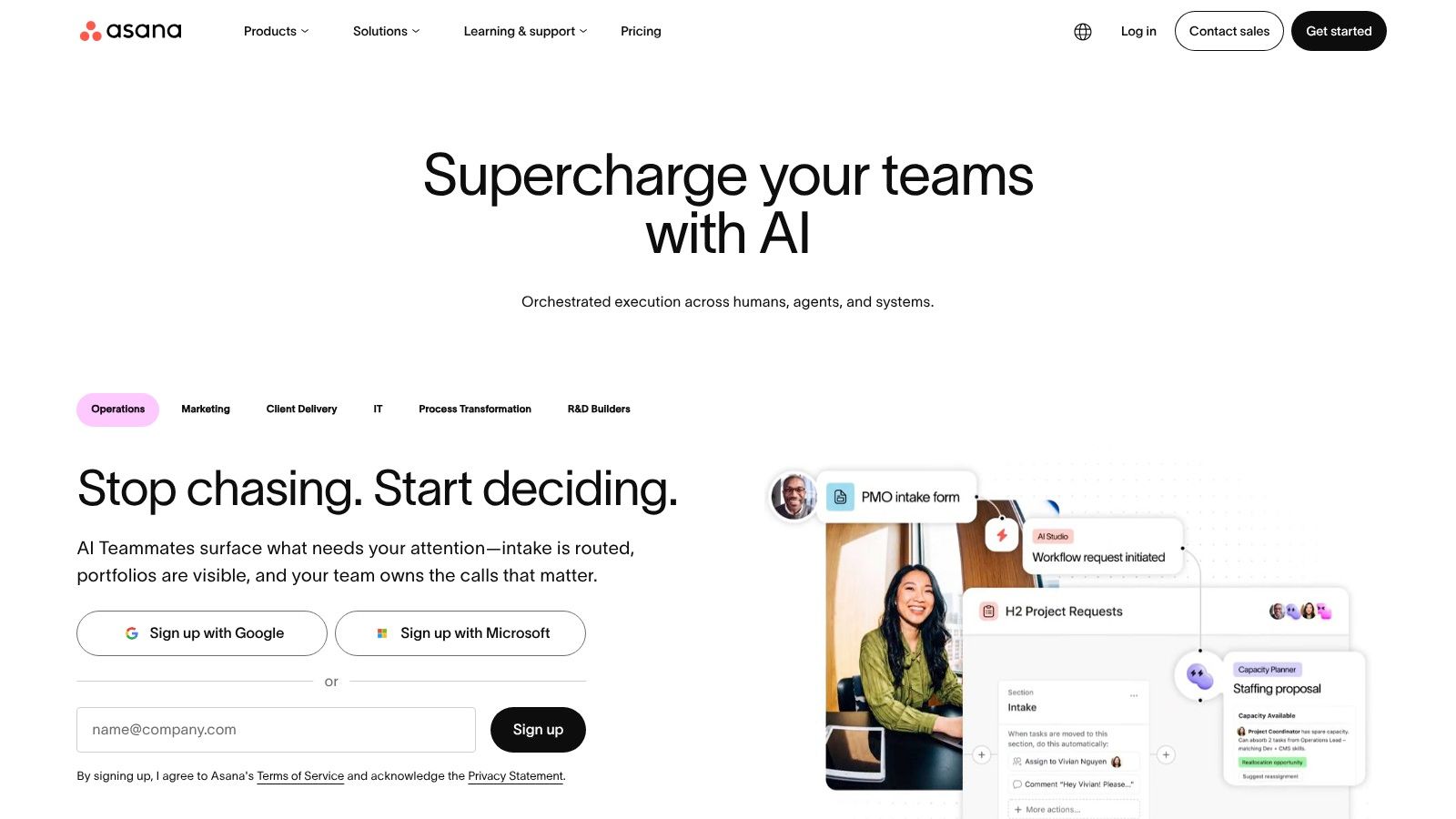
Who's waiting for whom? If that's the question your Notion setup can't answer cleanly, Asana deserves a trial. Its focus is task ownership, deadlines, and project progress, rather than becoming your entire reference library.
For client work, turn each commitment into an assigned task with a due date and a clear completion condition. Link the brief, proposal, or working document instead of copying the same instructions into multiple places. That gives collaborators a dependable place to report progress across time zones.
Model the process before automating it
Use a client onboarding checklist to identify the actual handoffs: collecting access, confirming scope, scheduling kickoff, and approving the first deliverable. Then represent those steps in a project template.
Asana's integrations with tools such as Slack, Google Drive, and Zoom can support the surrounding workflow. Reporting and automation can help later, but they won't resolve an approval process that nobody has defined.
Setup effort: Agree on ownership, project templates, and what each status means.
Pricing limits: Timeline, Gantt, reporting, and automation capabilities depend on the plan.
Poor fit: An interconnected research library or a document-heavy company wiki.
Asana's narrower purpose can be an advantage. You don't need to reproduce every Notion page to improve delivery accountability.
For data ownership, inspect an exported project and decide what you'd need to reconstruct elsewhere. Preserving task text isn't the same as preserving the operating process, especially when your team depends on recurring work and automation.
8. Airtable
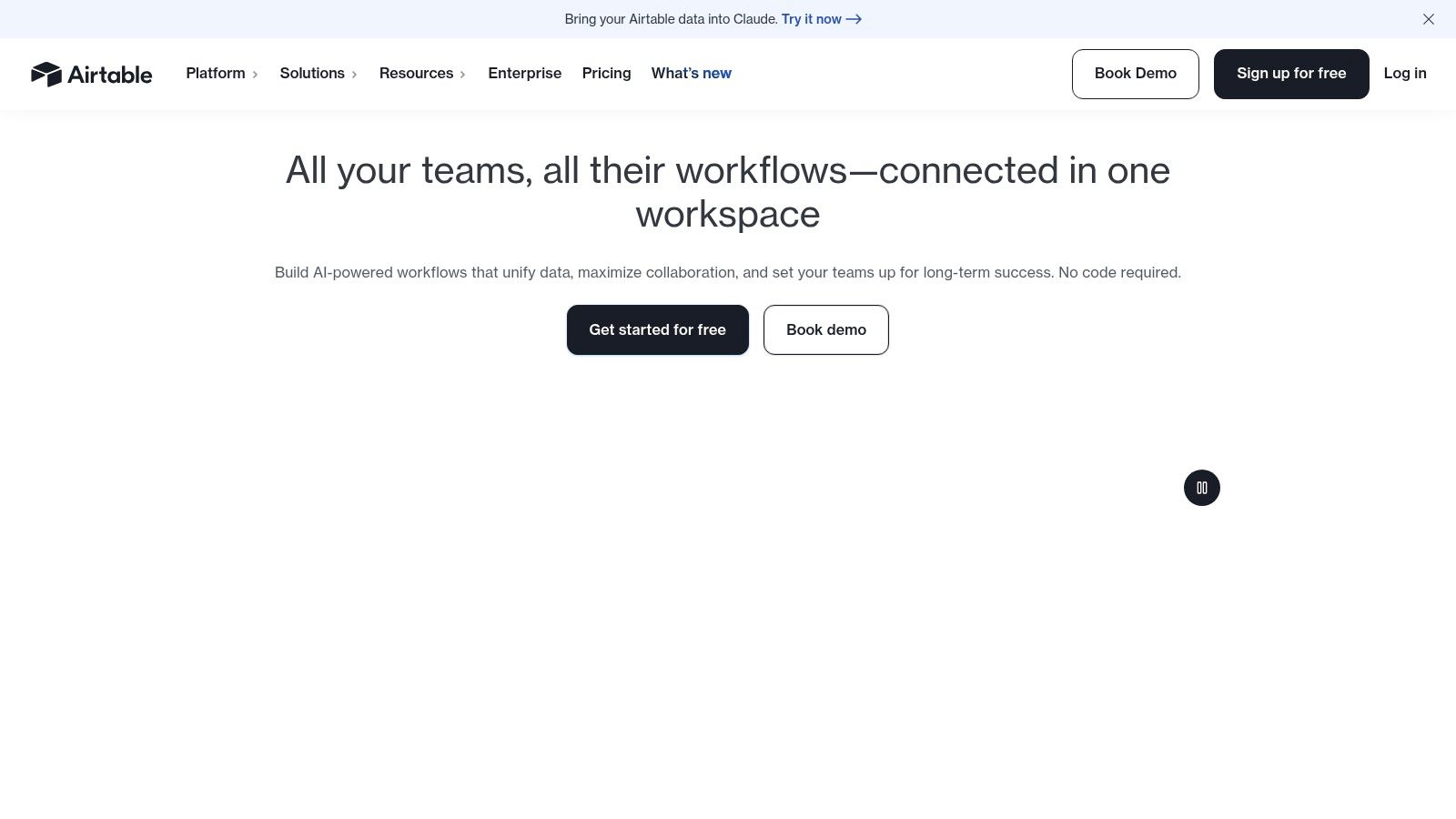
A lead pipeline isn't primarily a writing problem. It's a collection of organizations, contacts, opportunities, and follow-ups that need consistent fields and relationships. Airtable fits when structured records drive the workflow.
Its spreadsheet-like interface, relational records, customizable fields, views, and automations suit content calendars, partner databases, and operational trackers. You can organize records without forcing every entry into a long document.
Before building a sales system, compare the requirements against a CRM for small business. Airtable makes sense when you need a record structure that fits your exact needs, but you should define the sales activities and follow-up process before deciding a flexible database is sufficient.
Design relationships before adding automation
Separate organizations from contacts and opportunities rather than duplicating the same company details throughout the workspace. Choose field types deliberately, and agree on status definitions before importing inconsistent records.
Setup effort: Higher when relationships, permissions, and automated handoffs become central.
Pricing pressure: Per-seat billing can increase costs as collaborators join.
Writing limitation: Long-form analysis and freeform documentation are less natural than structured tracking.
Data ownership gets more complicated as the workspace becomes more useful. Exported records may be readable without recreating the views, relationships, and automated behavior your operation depends on.
I'd choose Airtable for an operational database, not as a general-purpose notebook. Keep explanatory documentation linked to the records, and maintain a written description of critical automations so another operator could rebuild the workflow without reverse-engineering it.
9. Craft
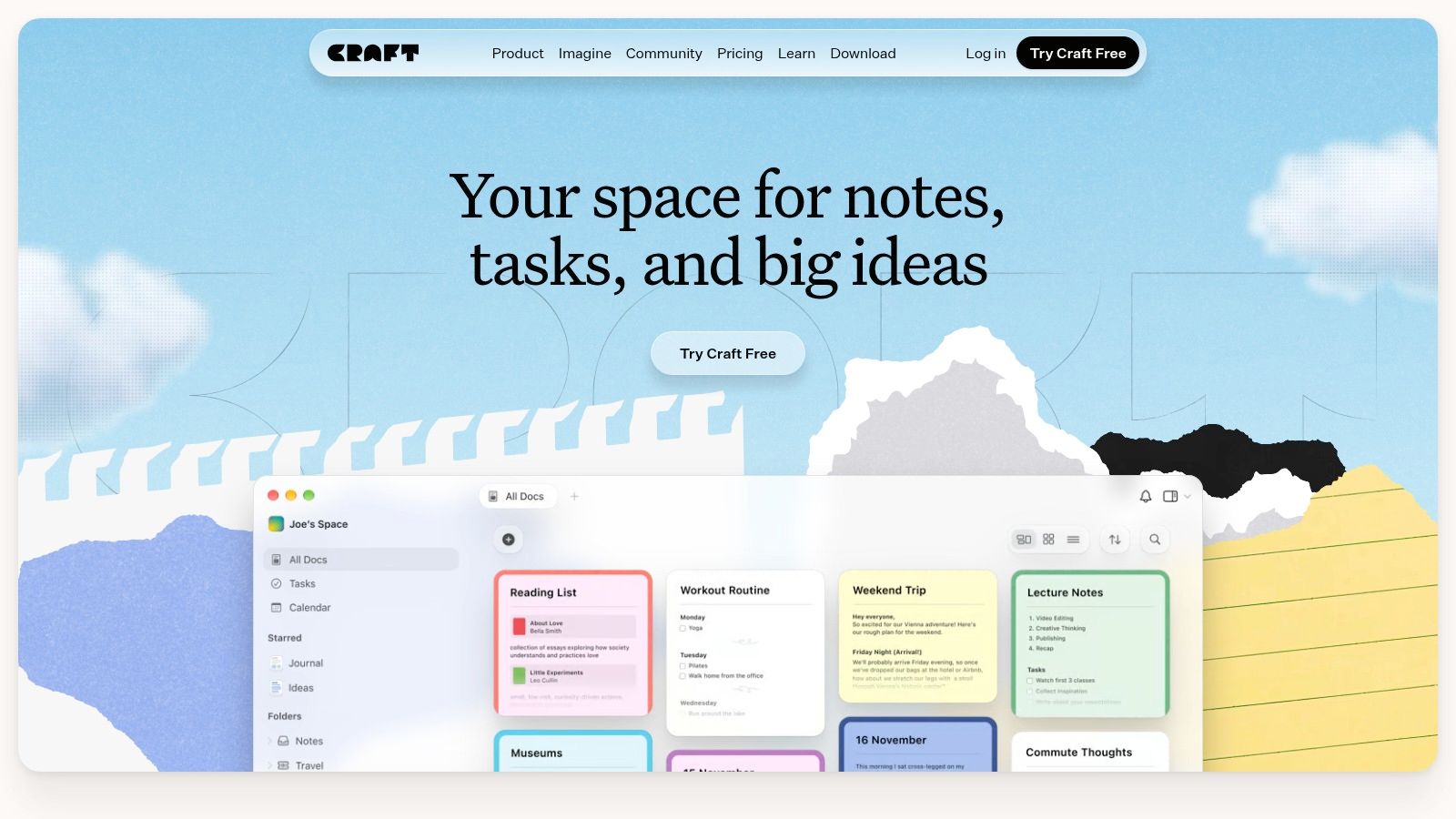
Sometimes the right replacement is a better place to write. Craft suits proposals, meeting notes, plans, and shared documents when the document itself is the deliverable.
A consultant preparing a client recommendation needs readable structure, straightforward sharing, and an approachable editing environment. Building linked databases around that work may add administration without improving the result. Craft's document-focused approach is a more direct match.
Its cross-device experience includes strong Apple-device support, but your collaborator's environment matters as much as yours. Test the actual browser, phone, and desktop combination your team uses rather than judging the product from your preferred device alone.
Test the reader's experience
Send a draft proposal to someone outside your usual workspace. Check whether they can open it, understand its structure, and contribute through the intended sharing workflow without unnecessary setup.
Best fit: Polished working documents, personal writing, proposals, and lightweight planning.
Pricing boundary: Paid plans expand usage and collaboration options; verify the sharing and device capabilities you need.
Where it breaks down: Complex relational databases and detailed project operations.
For setup, prioritize a small set of reusable document templates over an elaborate navigation system. A consistent proposal or handoff structure is often more valuable than a visually impressive homepage.
Ownership still needs testing. Export a document containing images, internal links, and nested content, then open it outside Craft. If your business depends on sending editable deliverables or maintaining independent archives, the exported result matters just as much as the writing experience.
10. Microsoft Loop
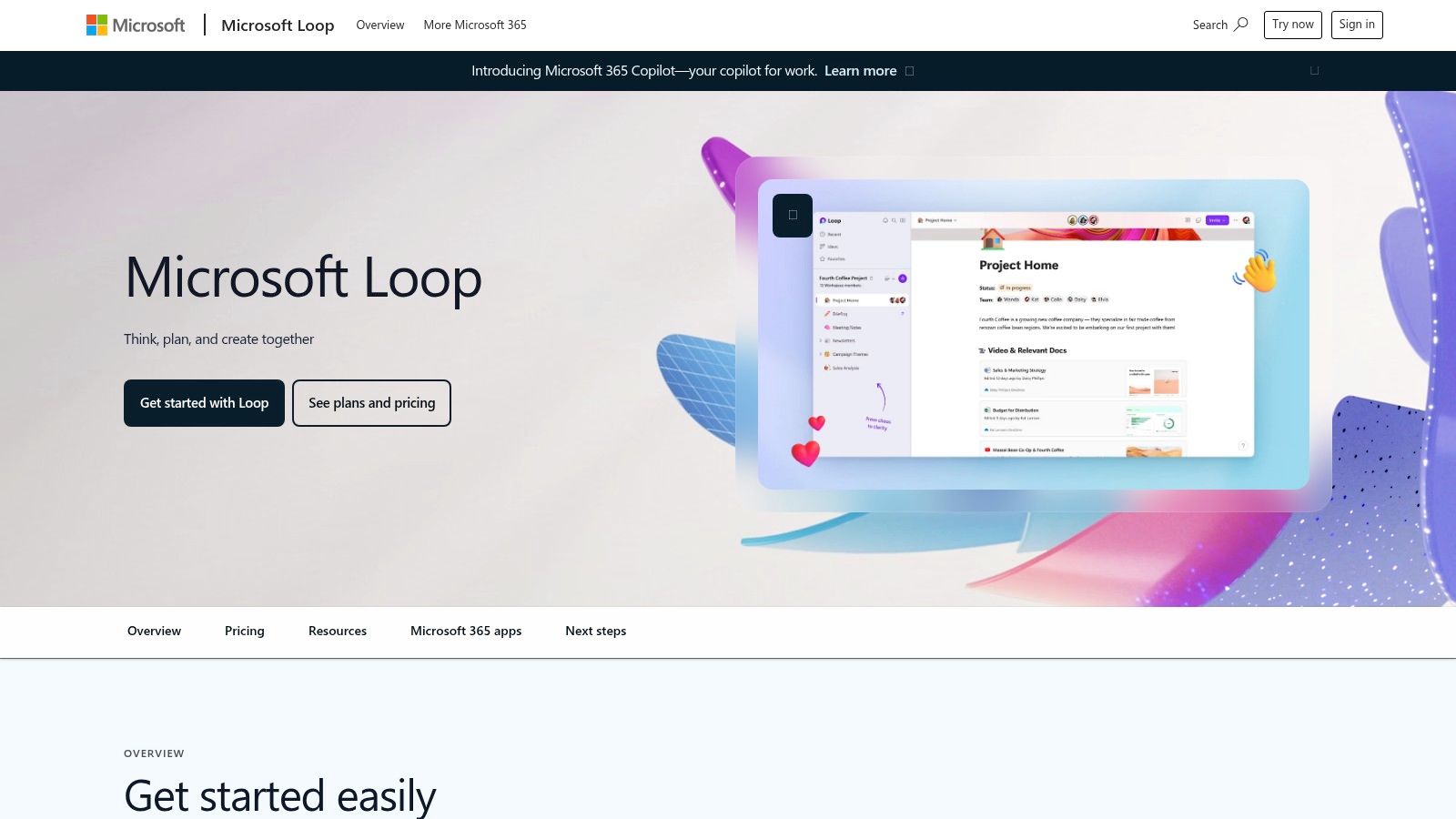
A team already working in Microsoft's productivity environment faces a specific trade-off: another standalone workspace means another place to check and another permissions model to manage. Microsoft Loop is more compelling when you want shared working notes and lightweight planning inside the environment your colleagues already open every day.
Its pages and reusable components support collaborative agendas, evolving plans, and shared context across Microsoft workflows. A component edited in one place updates wherever it appears, which suits teams whose coordination already runs through Outlook and Teams.
Suite-based collaboration platforms form a distinct category of Notion alternative, alongside document-first tools and workflow-oriented options. Your existing software commitments should influence the decision, not dictate it.
Confirm access before building around it
Licensing and access requirements depend on your Microsoft environment. Test with an actual colleague and an external collaborator before committing, especially if client work crosses organizational boundaries. Independent contractors and clients can hit sign-in friction that employees never see.
Good fit: Internal agendas, shared working notes, and lightweight coordination.
Setup question: Where should the durable source of truth live when components appear across applications?
Main limitation: No Notion-style database breadth or deep customization.
Loop loses its advantage when much of your collaboration happens outside Microsoft. Familiarity for employees does not guarantee a smooth experience for the freelancers and clients you invite in.
Data control is an organizational question. Clarify who controls the workspace, what happens when someone leaves, and how important material will be retained. A convenient collaboration layer should not become the only location for business-critical records without a retention and retrieval process you have tested.
How the Notion alternatives compare on fit, free access, data location, and self-hosting
The useful comparison is workflow first, then infrastructure. The table sorts the ten alternatives by the job each one fits, what free access really covers, and where your data ends up living.
| Item | Best for | Free plan highlight | Local or offline data | Self-hosting |
|---|---|---|---|---|
| ClickUp | Task and project coordination with docs | Unlimited tasks and members | Cloud-based; offline access is limited | Not offered; hosted service only |
| Obsidian | Private, personal knowledge bases | Core app is free for personal and commercial use | Local Markdown files; works without an account | Not applicable; files stay on your devices and sync through a service or your own cloud |
| Anytype | Private, connected information with offline access | Unlimited private channels and some remote storage | Offline-capable and local-first | Local-first design; sync can run over your own network |
| AppFlowy | Open-source workspace with deployment control | Free to use; open-source code base | Local data storage with offline use | Self-hosting options available |
| Capacities | Personal knowledge management and connected notes | Unlimited spaces, objects, and blocks on Basic | Offline support and content export | Not offered; hosted service only |
| Confluence | Shared company wiki and team documentation | Free tier for small teams | Cloud-based; requires a connection | Self-managed Data Center option |
| Asana | Project ownership, deadlines, and progress tracking | Free tier for individuals and small teams | Online-first; limited offline access | Not offered; hosted service only |
| Airtable | Structured records, pipelines, and operational data | Free tier with per-base record and attachment limits | Cloud-based; limited offline functionality | Not offered; hosted service only |
| Craft | Polished documents, notes, and sharing | Free tier with limits on documents and storage | Cross-device sync; offline access in native apps | Not offered; hosted service only |
| Microsoft Loop | Collaborative notes and planning in Microsoft 365 | Access depends on your Microsoft account and 365 licensing | Data lives in your Microsoft 365 tenant | Runs inside Microsoft 365; no standalone self-hosting |
Treat the self-hosting column as a filter. If data ownership is the reason you are leaving Notion, Obsidian, Anytype, and AppFlowy keep content on devices or servers you control. Every other row means trusting a vendor's hosting, which is a reasonable trade when the workflow, task tracking or structured records, matters more than custody.
Free access pulls in two directions. ClickUp's unlimited tasks can carry an ongoing workflow, while the smaller free tiers read more like extended trials. Loop is the exception: the question is access rather than price, since availability follows the Microsoft environment your collaborators already have.
Choosing a Notion Replacement Without Migrating Blind
Start by naming the workflows that break in your current setup. Be concrete: missed approval handoffs, inaccessible travel notes, or client documents nobody can find. Then shortlist tools that address those failures rather than comparing every feature available.
For task tracking, trial ClickUp or Asana. For personal knowledge, consider Obsidian, Anytype, or Capacities. Confluence and Craft address different documentation needs, Airtable suits structured operations, AppFlowy offers deployment control, and Loop fits Microsoft-centered collaboration.
Run a representative project
Use a real project for a short trial, ideally spanning a complete handoff and review cycle. Keep an example of each recurring process, such as a client handoff, meeting template, and research note, so you can compare actual friction.
Check commercial limits: Free-plan restrictions, storage, paid features, guest access, and per-seat costs.
Check adoption: Whether collaborators open the tool, find their work, and update it without reminders.
Check resilience: Offline search, attachments, conflicting edits, and synchronization after reconnecting.
Check exit options: Exports, imports, permissions, linked records, and the effort needed to rebuild automation.
Don't mistake a successful import for a successful migration. The Baalda guide to Notion alternatives describes export limitations that illustrate the difference between retaining content and retaining a working system.
A readable backup lets you retrieve information. An editable import lets you continue working on that information elsewhere. A functionally equivalent migration also preserves, or deliberately rebuilds, the relationships and processes your business relies on.
Migration rule: Keep the original workspace available until you've verified the replacement against real work, not just a clean-looking import.
Move the painful workflow first. If Asana improves client delivery, you don't have to relocate your private research immediately. If Obsidian improves your notes, that doesn't mean your contractors should adopt it.
During cutover, designate an authoritative home for active work and make the old location read-only where practical. Otherwise, colleagues can update different versions while believing they're using the current system.
For the broader productivity habits behind these choices, Mazurly's Work section covers focus systems, automation, and productivity tools. Choose the replacement that makes your next action clearer, your shared information easier to retrieve, and your business less dependent on an arrangement only you understand.
Mazurly offers practical operational guides, productivity resources, and free tools for running a location-independent business. Visit Mazurly to connect your workspace decision with clearer client processes, financial administration, and remote-work routines that remain usable wherever you're working.